
Published on 4 March 2026, updated on 23 October 2026: prices, engines, founders and funding checked again on the official websites.
The short answer: the best GEO tool depends on your budget. On my 14-point grid, Qwairy comes first (13/14, from €79/month, French), ahead of Promptwatch and ZipTie.ai (11/14). To start for free: the AI reports in Search Console and Bing Webmaster Tools. For a large company: Profound, on quote.
Who wrote this article, and how. Me, Aslane SAMAI, independent SEO & GEO consultant. No vendor listed here pays me, there are no affiliate links on this page, and the same grid applies to every tool. Prices, engines, founders and funding were checked and captured on 23 October 2026 on the official websites, LinkedIn and in the press (list at the bottom). Prices change fast: check before you buy. Found a mistake? Write to me through the Ping-moi page, I will fix it and date the correction.
The 10 best GEO tools in 2026 compared: scores, prices and free trials
The table sums up the ranking. Prices are those shown on 23/10/2026, monthly, excluding tax when the vendor says so. Each score is explained in the tool’s section below.
| # | Tool | Score /14 | Entry price | AI engines at the first price | Try without paying | Best for |
|---|---|---|---|---|---|---|
| 1 | Qwairy | 13/14 | €79/month (€65 billed yearly) | 12 engines from Starter | 120 credits, no card | SMBs, agencies, French brands |
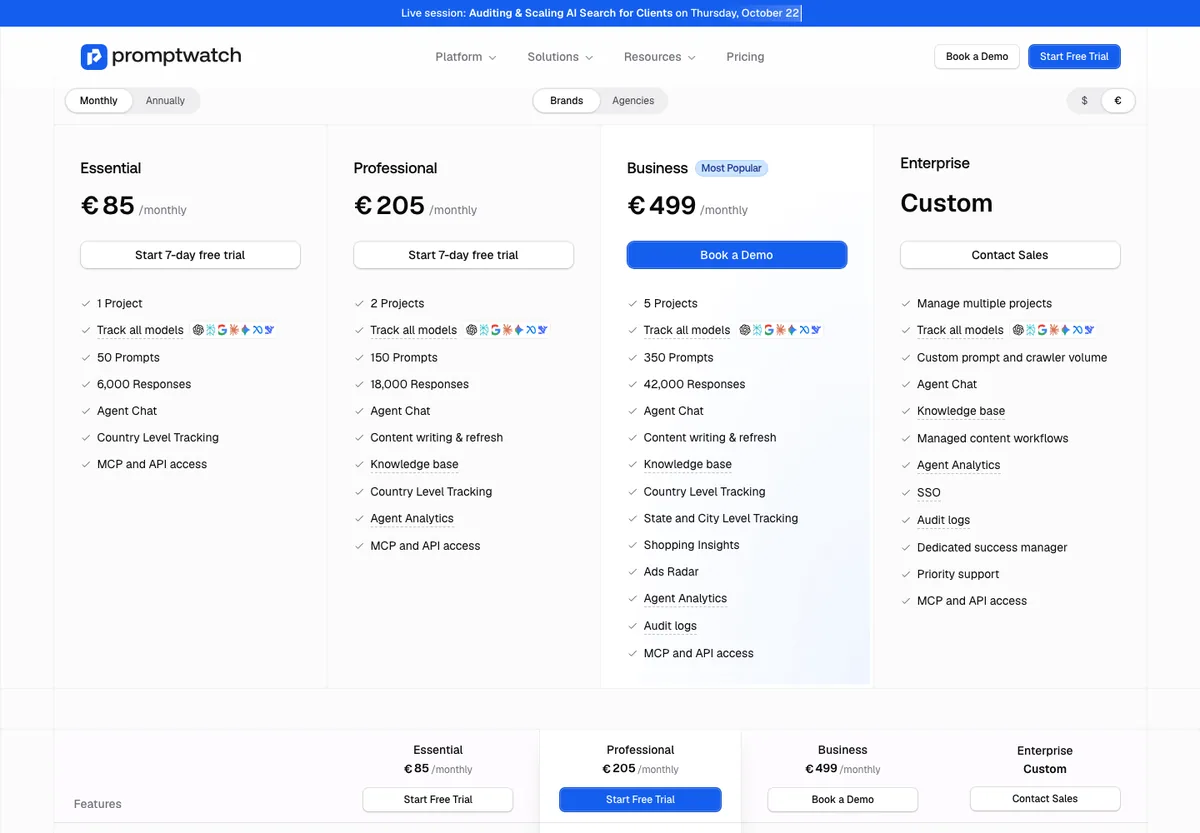
| 2 | Promptwatch | 11/14 | €85/month | All models from Essential | 7-day trial | Teams that want content |
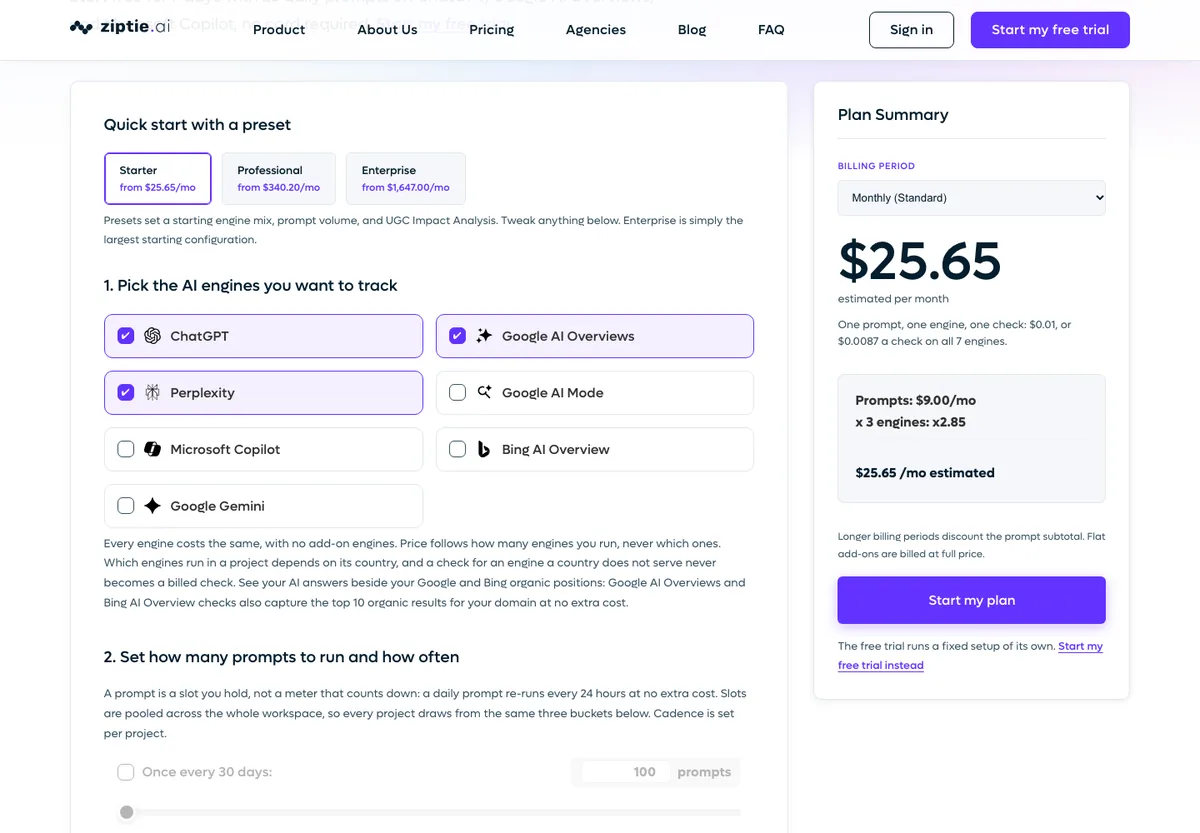
| 3 | ZipTie.ai | 11/14 | $25.65/month (per-prompt estimate) | Up to 7, you choose | 7-day trial, no card | Consultants, precise tracking |
| 4 | Ahrefs Brand Radar | 10/14 | €119/month (150 tracked prompts) | 6 AI platforms | Free AI tools | Existing Ahrefs users |
| 5 | SE Ranking | 10/14 | €109/month (100 prompts) | AI Overviews, AI Mode, ChatGPT | 14-day trial, no card | Tight budget, SEO + GEO |
| 6 | Semrush AI Visibility | 10/14 | €190/month (SEO + AI Search) | ChatGPT, AI Mode and more | Limited free plan | Existing Semrush users |
| 7 | Otterly.AI | 9/14 | €29/month | 4 engines (+2 as add-ons) | Free trial | First GEO budget |
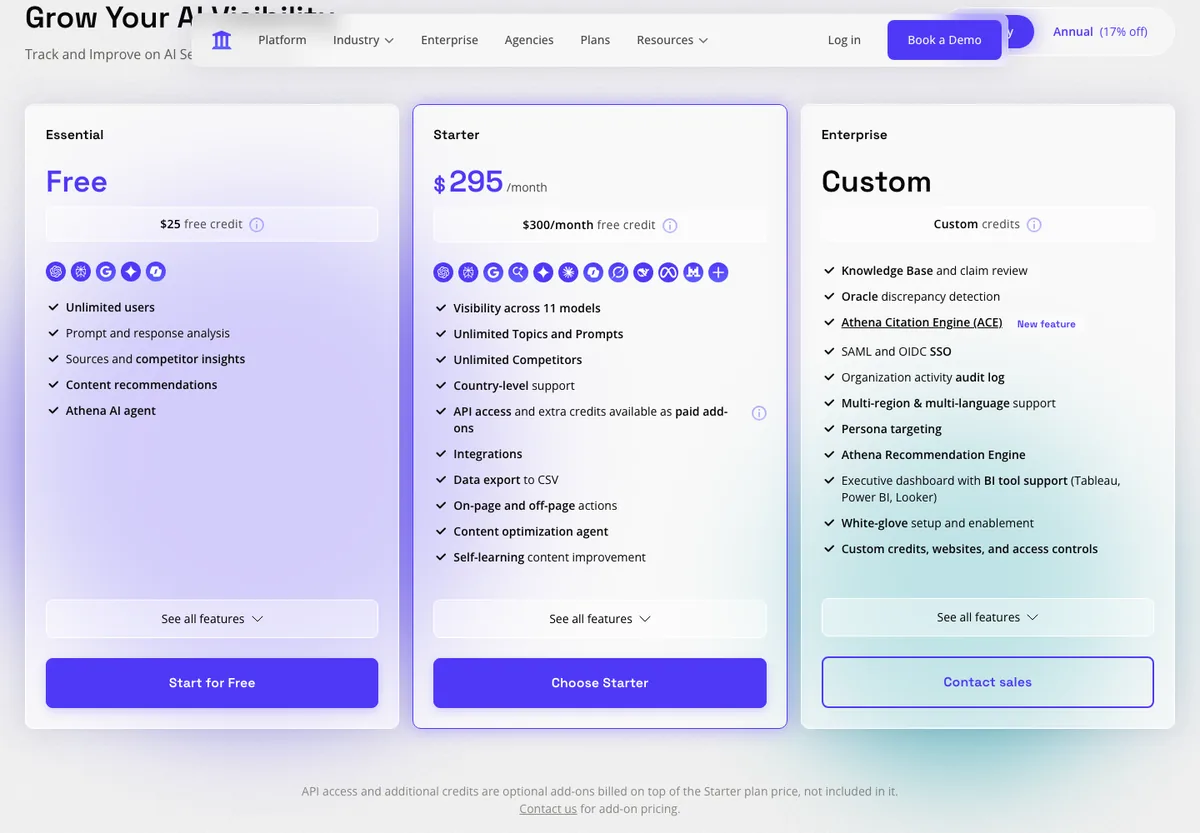
| 8 | AthenaHQ | 9/14 | Free, then $295/month | 5 engines free, 11 on Starter | Free Essential plan | Startups, growth teams |
| 9 | Meteoria | 9/14 | €75/month | 3 out of 7, you choose | Free trial | Multi-country French brands |
| 10 | Hikoo | 8/14 | Free, then €69/month | 2 engines (9 on Agent) | Free plan + 7 days, no card | Small French teams that want action |
Why are Peec AI, GetMint and Profound not in this top 10? They are not bad tools. My grid scores what a reader can buy and test alone, without a sales call. It does not score data quality. Peec AI (7/14) loses points because its API and the tracking of its 13 models are kept for Enterprise (3 models on Starter), and because its team is not in France. GetMint (6/14) and Profound (5/14) sell their full offer on quote: with no public price, no card-free trial and no listed API, they get 0 on those criteria. Scrunch (7/14), HubSpot AEO (6/14) and Authoritas are in the same situation. Their full profiles are in the other GEO tools worth knowing.
What does a GEO tool measure?
A GEO (Generative Engine Optimization) tool sends prompts to AI engines (ChatGPT, Gemini, Perplexity, Copilot, Claude, Google AI Overviews and AI Mode) and analyses their answers. It usually measures four things:
- Visibility and share of voice: how often your brand appears compared with your competitors (AI visibility).
- Cited sources: which pages the AI uses to answer (AI citation).
- Sentiment: the tone the AI uses when it talks about you (AI sentiment).
- Recommendations: whether the AI recommends you or a competitor (AI recommendation).
On 23 October 2026, Google showed an AI Overview for the French query « outil geo », with a block « Que mesure un outil GEO ? » (what does a GEO tool measure) that lists these four points. aioseo.fr was not cited, which is one reason for this update.
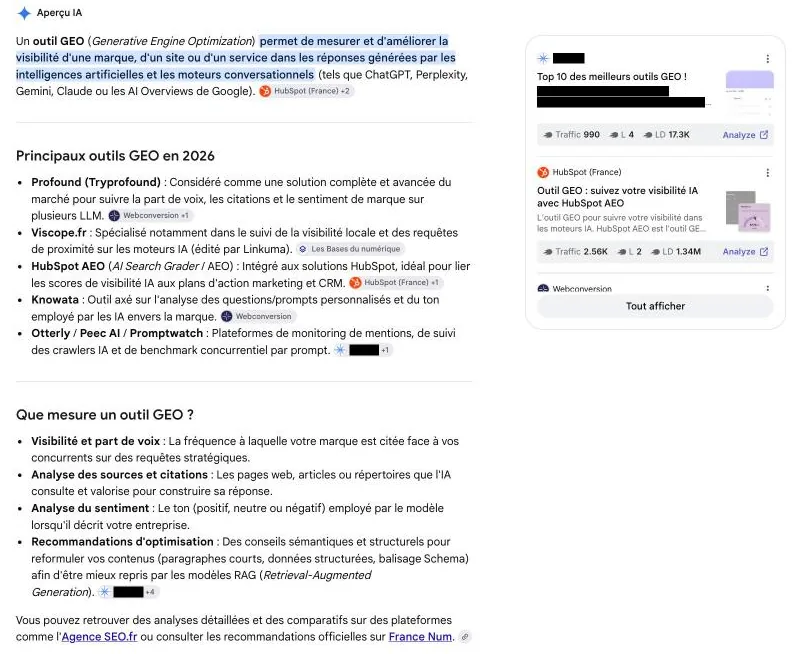
Keep one limit in mind: these tools measure a sample of prompts, and answers change from one run to the next. Treat them as a thermometer, not the truth. I cover this in my article on the limits of AI tracking tools.
How I scored the 15 GEO tools: a 14-point grid (engines, price, trial, API, France)
I scored each tool on 7 criteria, from 0 to 2 points. All the information comes from the vendors’ pricing and team pages, checked on 23 October 2026. I did not score data quality, because that needs a long test with the same prompts in every tool.
| Criterion | 2 points | 1 point | 0 points |
|---|---|---|---|
| 1. AI engines at the first public price | 5 engines or more | 3 or 4 engines | 2 or fewer, or no public price |
| 2. Entry price | Under €100/month | €100 to €300/month | Over €300 or on quote |
| 3. Try without paying | Free plan or card-free trial | Trial (terms not stated) or free side tools | Nothing |
| 4. Data access | API or MCP from the first paid plan (included or add-on with a public price) | API or MCP on a higher plan | Enterprise only |
| 5. Help to act | Writes or fixes content | Recommendations or audit | Tracking only |
| 6. French market | Team in France and French interface | French interface or pages | None |
| 7. Maturity and proof | Public funding round, or over 2 years with a public client base | Launched over 12 months ago | Under 12 months or beta |
Ties are broken by maturity, then number of engines, then price. This grid favours tools you can test alone, without a sales call. That is deliberate: most readers of this page want a tool to try this week. If you are a large company, read the section on choosing by profile.
MCP (Model Context Protocol): a protocol that connects the tool’s data to an AI assistant such as Claude or ChatGPT.
Free GEO tools: where to start without paying
Google Search Console: free generative AI report (AI Overviews and AI Mode)
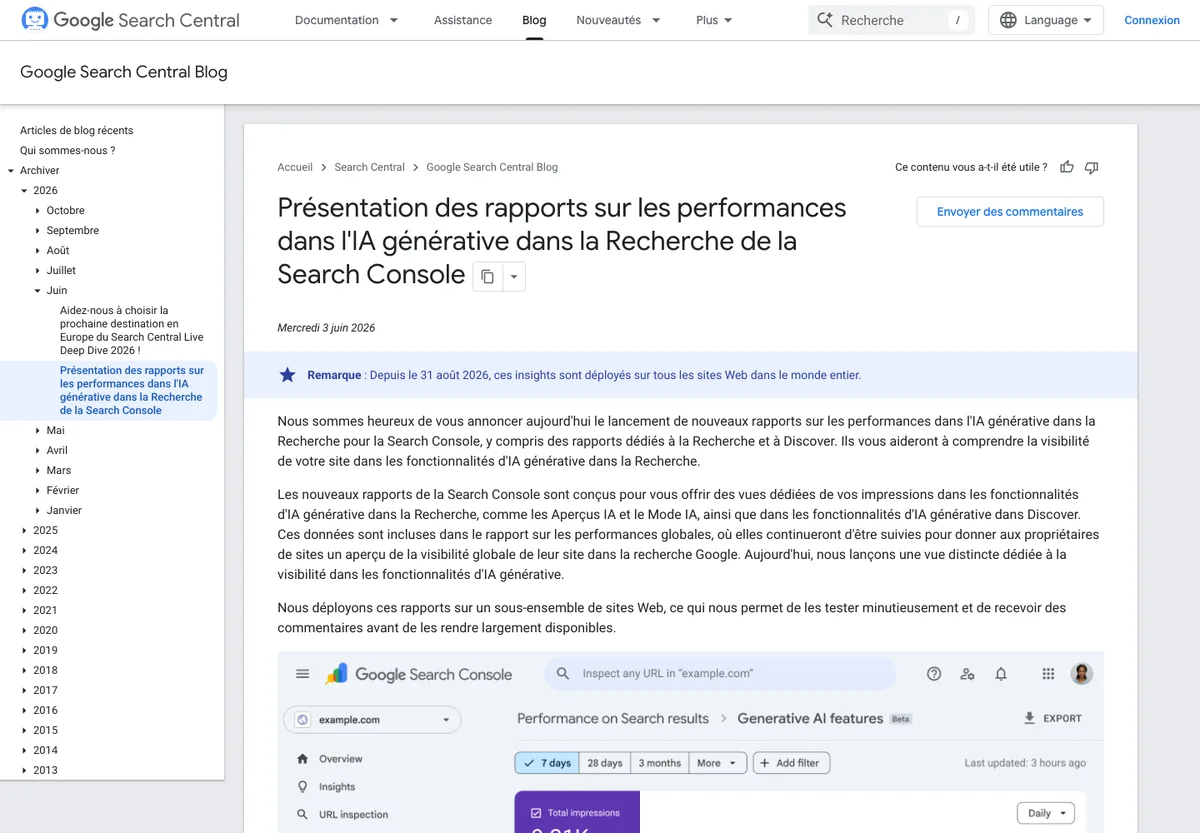
On 3 June 2026, Google presented generative AI performance reports in Search Console. They have been available for all sites since 31 August 2026 (Google Search Central Blog). They show impressions in AI Overviews and AI Mode, by page and by country. It is free and it is Google’s own data. My analysis method is in my article on the generative AI report.
Bing Webmaster Tools: free AI Performance and Topics Portfolio reports (Copilot)
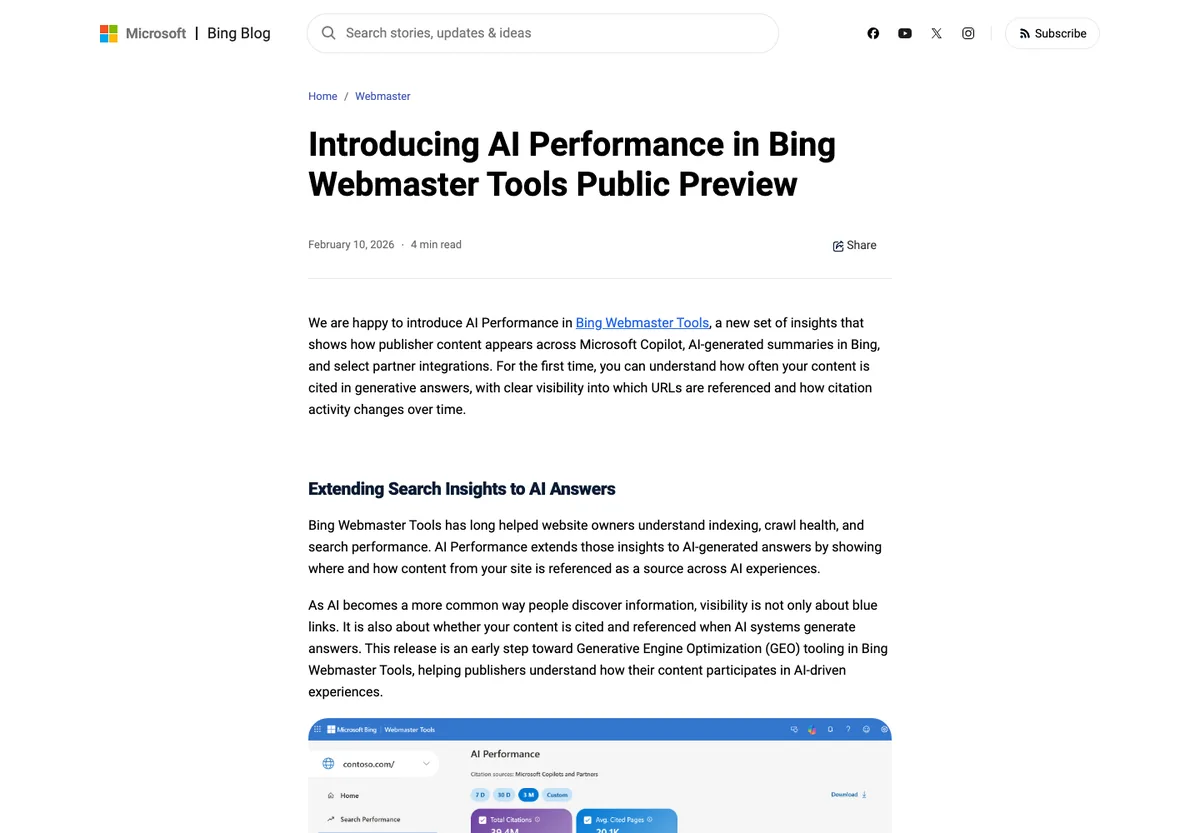
Microsoft launched the AI Performance report in public preview on 10 February 2026: total citations, cited pages and grounding queries for Copilot and Bing AI summaries (Bing Webmaster Blog). On 13 October 2026, Bing added « Topics Portfolio » in beta to this report. How to use it: my article on the Bing AI dashboard.

Free plans and card-free trials: Hikoo, AthenaHQ, Qwairy, ZipTie and 7 other GEO tools
| Free tool | What it does | Limit |
|---|---|---|
| Hikoo, Free plan | Tracks 10 questions on ChatGPT, 2 competitors, 100 audited pages per month | One engine only |
| AthenaHQ, Essential plan | $25 credit on ChatGPT, Perplexity, AI Overviews, Gemini, Copilot | Limited credits |
| Qwairy | 120 free credits, no card | About 1 credit per prompt, engine and run |
| ZipTie.ai | 7-day trial, no card, 25 prompts per day | ChatGPT, AI Overviews and Copilot only |
| SE Ranking | 14-day trial, no card | Limited time |
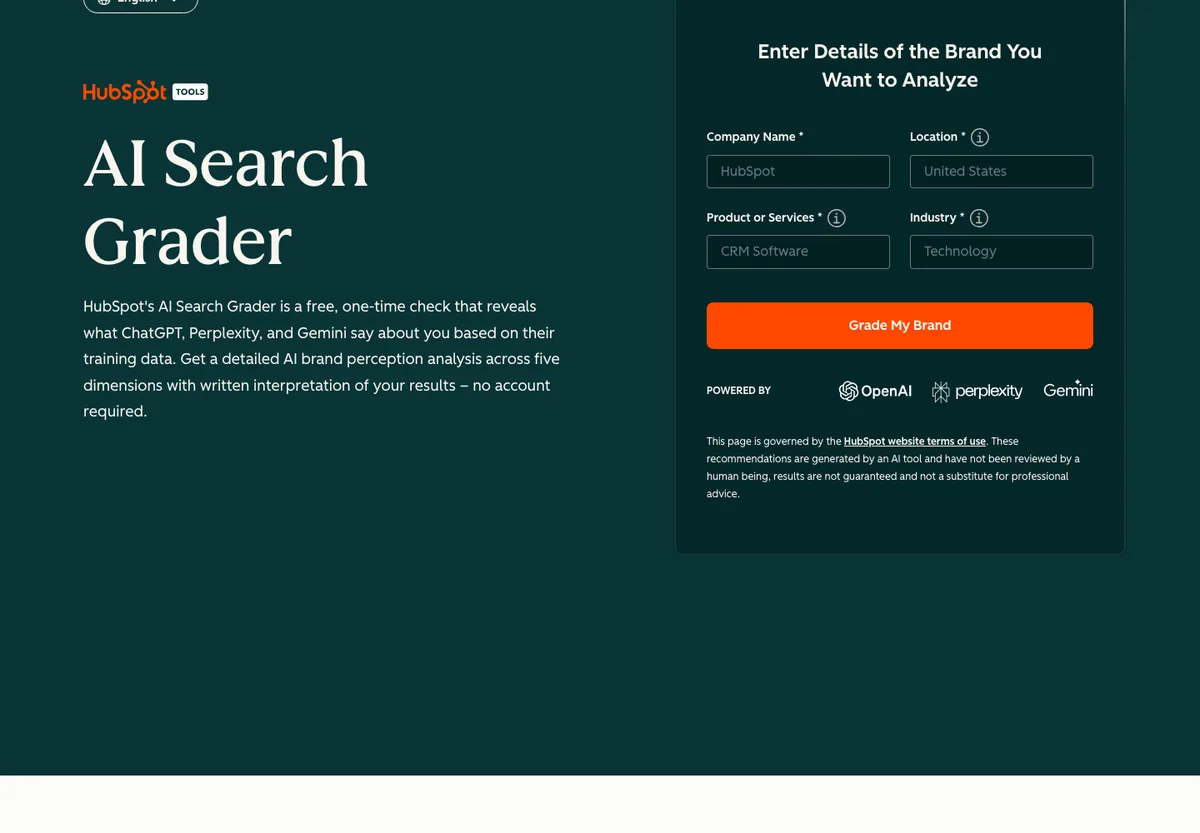
| HubSpot AI Search Grader | Brand score on ChatGPT, Perplexity and Gemini, no account | One-off, based on training data |
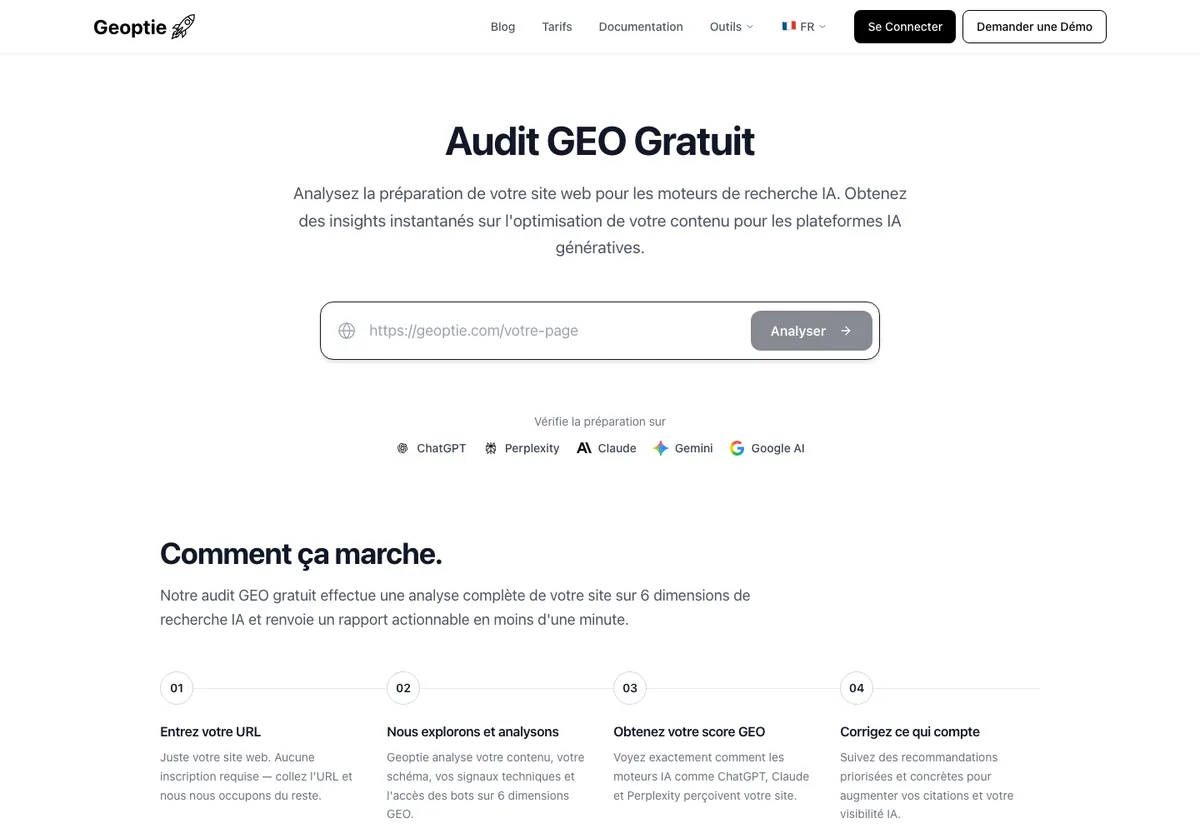
| Geoptie, GEO audit | Audit of one URL on 6 dimensions, no sign-up | Audit, no tracking |
| Otterly.AI, Query Fan Out Tool | Sub-queries from ChatGPT, AI Mode and AI Overviews | One prompt at a time |
| Ahrefs, free AI tools | AI Visibility Checker, AI Mode Tracker, AI Overviews Tracker | Limited version |
| Viscope, Découverte plan | Measures ChatGPT, Gemini, Perplexity and Google AI | Beta, paid plans not available yet |
| Dejan, AI & SEO Bot Crawlability Tester | Tests whether 147 bots (search and AI) can access a URL | Crawl only |
My advice: start with Search Console and Bing (your real data), then test two free tools on the same 10 prompts before paying for anything.
Top 10 GEO tools in 2026: profiles with price, engines, founders, funding and score
1. Qwairy: French GEO tool, 12 AI engines from €79 per month (13/14)
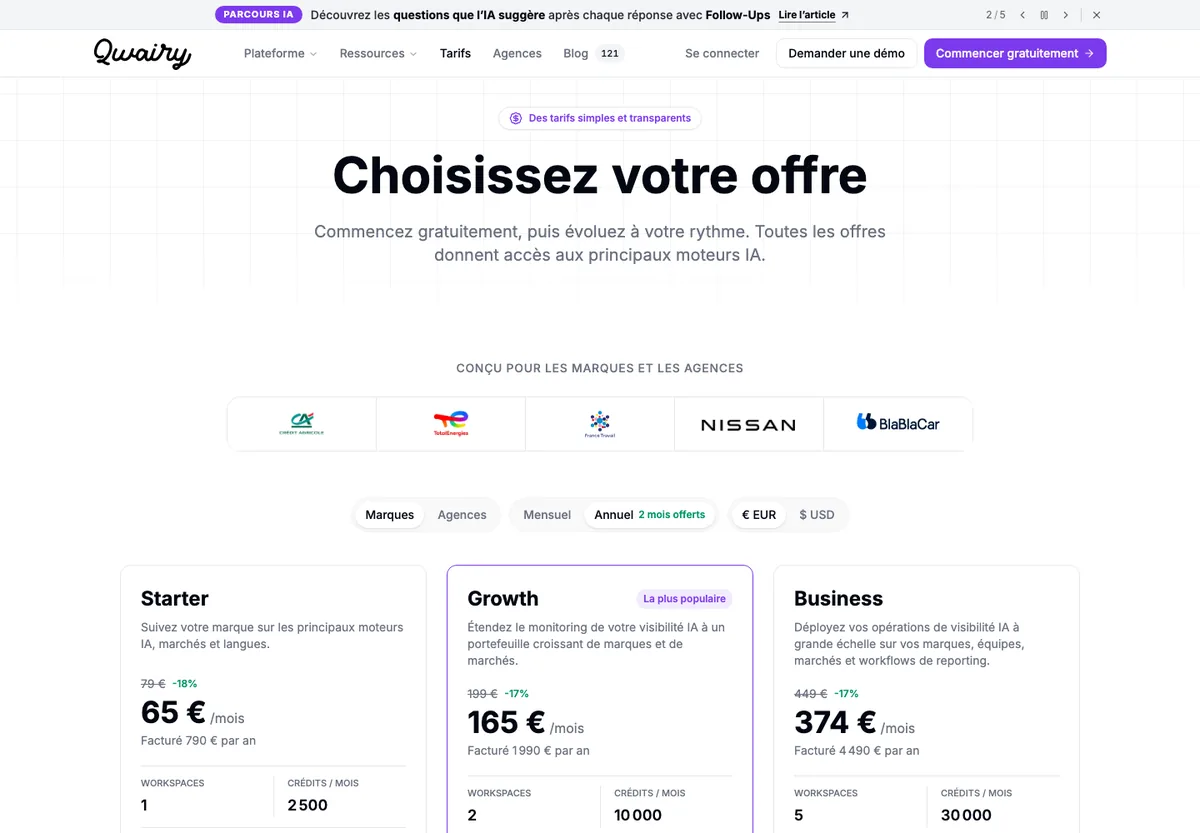
Qwairy is the most complete tool under €100 that I found. Every plan includes the engines marked « UI » on its pricing page: ChatGPT, AI Overviews, AI Mode, Gemini, Claude, Perplexity, Copilot, Grok, Meta AI, Alexa for Shopping, Naver and Wenxin. It works with credits: the 2,500 credits of Starter cover about 27 prompts tracked every day on 3 engines, according to the vendor’s example.
| Criterion | What I found (23/10/2026) |
|---|---|
| Price | Starter €79/month (€65 billed yearly), Growth €199, Business €449, Enterprise on quote |
| Engines | 12 engines in every plan, API models on Enterprise |
| Try without paying | 120 free credits, no card |
| Data | MCP server from Starter, REST API from Growth |
| Action | Content Studio included |
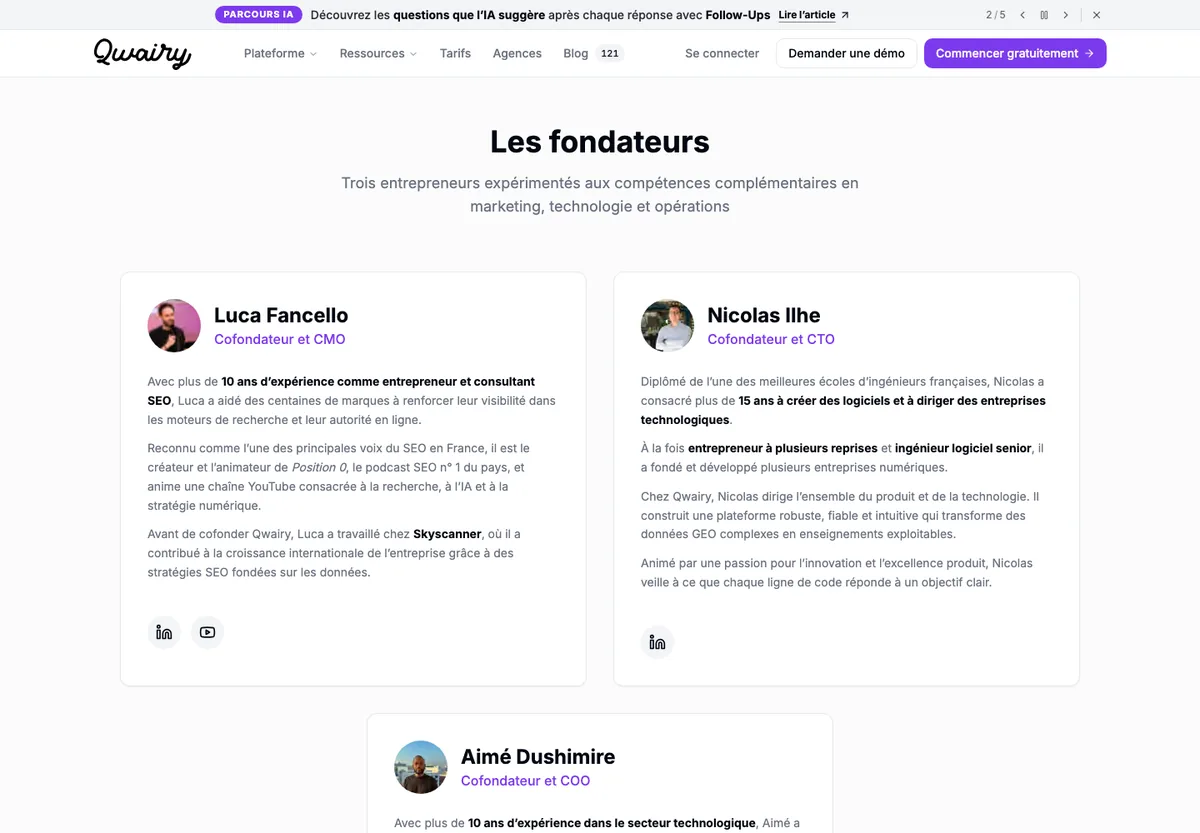
| Founders | Luca Fancello (CMO, host of the Position 0 podcast), Nicolas Ilhe (CTO), Aimé Dushimire (COO) |
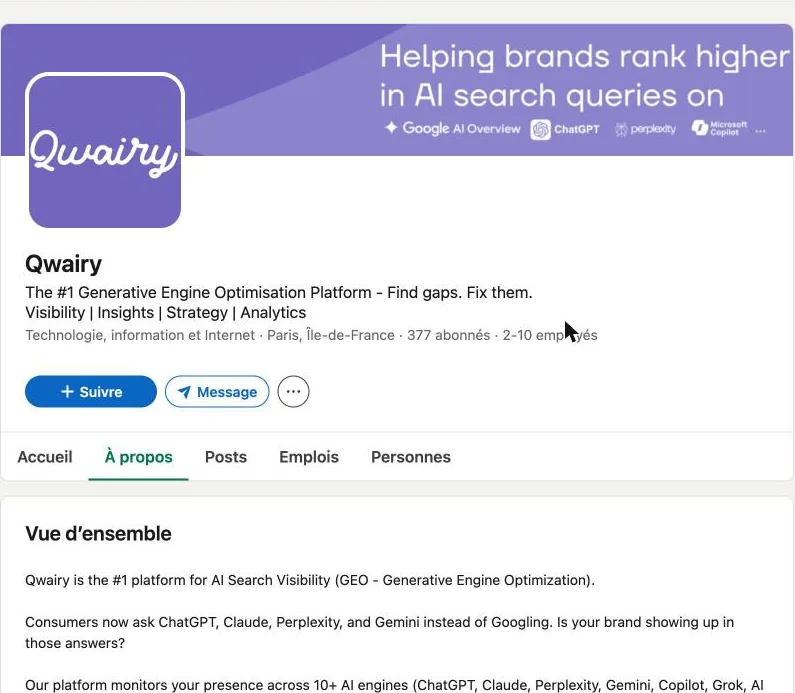
| Launch and HQ | Founded in 2024, Paris (LinkedIn) |
| Funding | No public funding round found |
| Stated clients | « 2,500+ brands and agencies » on the website, « 1,800+ brands » on LinkedIn (vendor figures, they do not match) |
| Best for | SMBs, agencies and French brands that want many engines on a small budget |
| Limit | Credits mean you have to balance frequency and number of engines |
| Score | 13/14: engines 2, price 2, free 2, data 2, action 2, France 2, maturity 1 |
2. Promptwatch: AI tracking and content writing from €85 per month (11/14)
Promptwatch tracks all models from the Essential plan and gives MCP and API access from that first plan. The Professional plan adds content writing and refresh. It is the tool in this ranking that goes furthest towards action, in self-serve.
| Criterion | What I found (23/10/2026) |
|---|---|
| Price | Essential €85/month, Professional €205, Business €499, Enterprise on quote |
| Engines | « Track all models » from Essential (50 prompts) |
| Try without paying | 7-day trial |
| Data | MCP and API from Essential |
| Action | Content writing and refresh from Professional, AI agents |
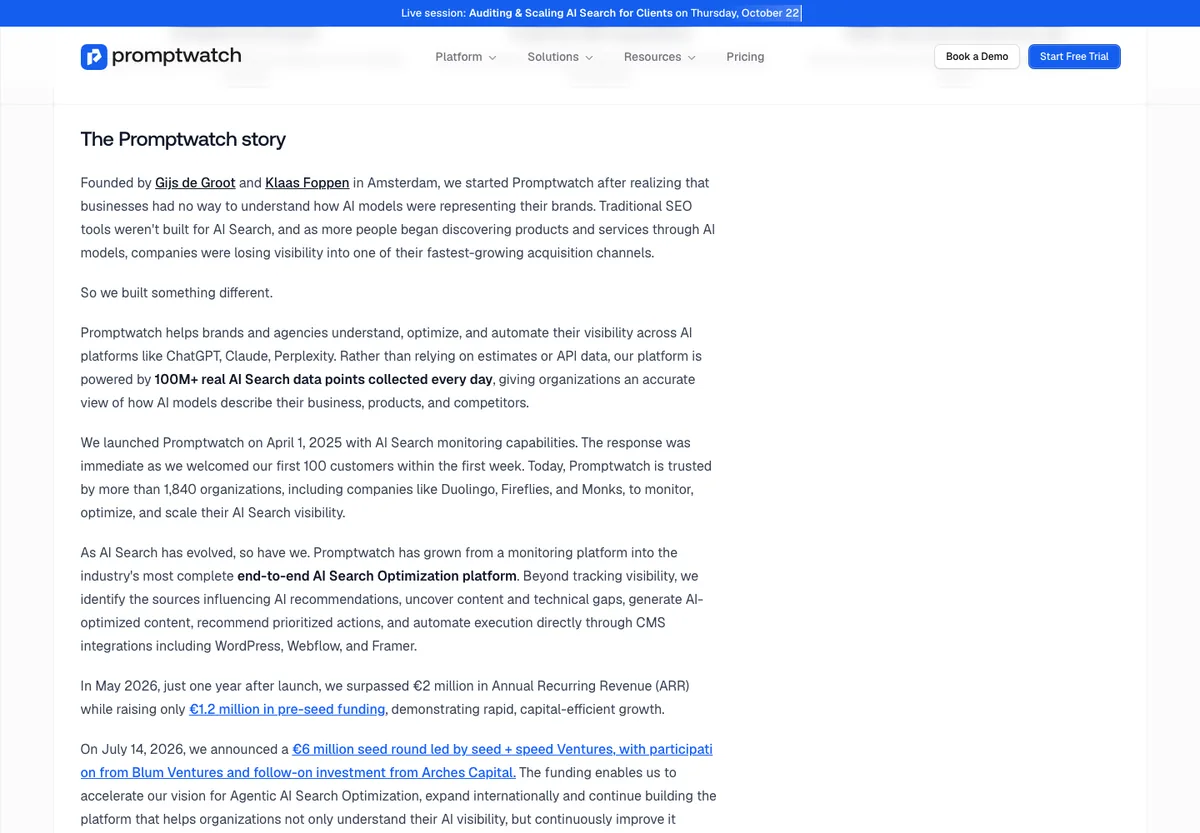
| Founders | Gijs de Groot and Klaas Foppen |
| Launch and HQ | Launched on 1 April 2025, Amsterdam |
| Funding | €6M seed announced on 14 July 2026 (vendor’s story page) |
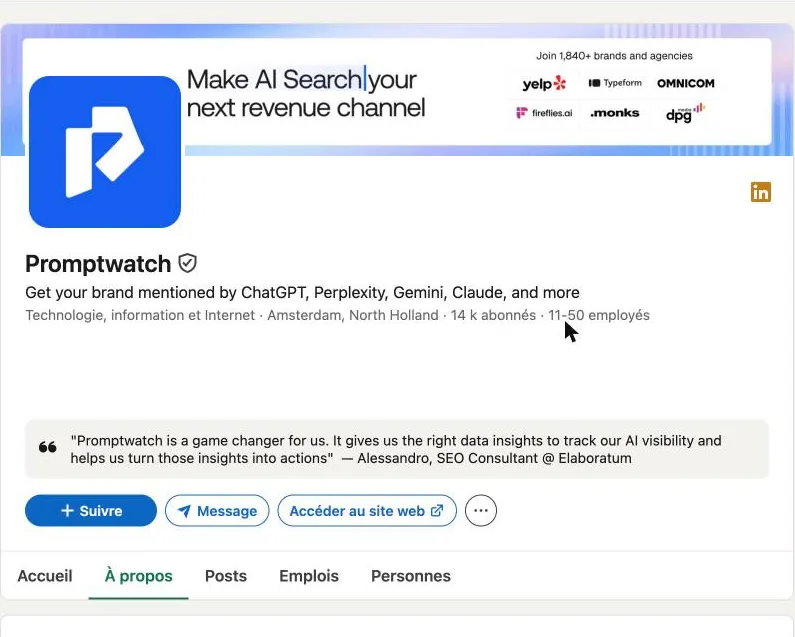
| Stated clients | Over 1,840 organisations, €2M ARR in May 2026 (vendor figures) |
| Best for | Marketing teams that want to move from tracking to content production |
| Limit | No team or interface in French |
| Score | 11/14: engines 2, price 2, free 1, data 2, action 2, France 0, maturity 2 |
3. ZipTie.ai: per-prompt tracking, up to 7 AI engines (11/14)
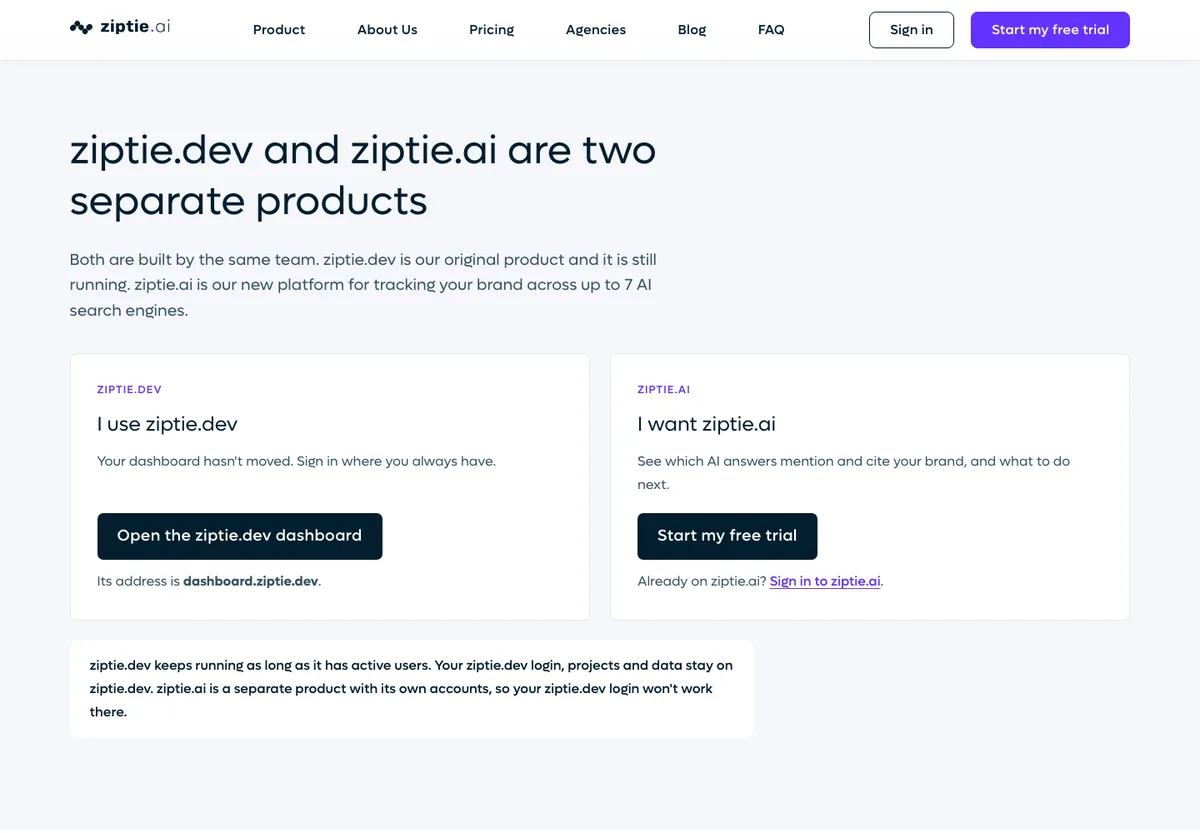
ZipTie has two products. ziptie.dev, the original tool, still runs. ziptie.ai is the new platform from the same team: you pick your engines (up to 7) and pay per prompt. Its public « methodology » page explains how answers are collected, which is rare.
My opinion, already written in earlier versions of this article: ziptie.dev is still the most advanced tool I have tested for pure AI Overviews tracking. It separates overviews that trigger automatically from those launched with the « Generate » button, and it lists the exact URLs in the source carousels.
| Criterion | What I found (23/10/2026) |
|---|---|
| Price | Per prompt: Starter from $25.65/month (vendor estimate), Professional from $340.20, Enterprise from $1,647 |
| Engines | ChatGPT, AI Overviews, AI Mode, Perplexity, Copilot, Bing AI Overview, Gemini |
| Try without paying | 7-day trial, no card, 25 prompts per day (ChatGPT, AI Overviews, Copilot) |
| Data | API and MCP as a $10/month add-on on paid plans, CSV, Excel and PDF exports |
| Action | Content generation add-on ($20/month per context) |
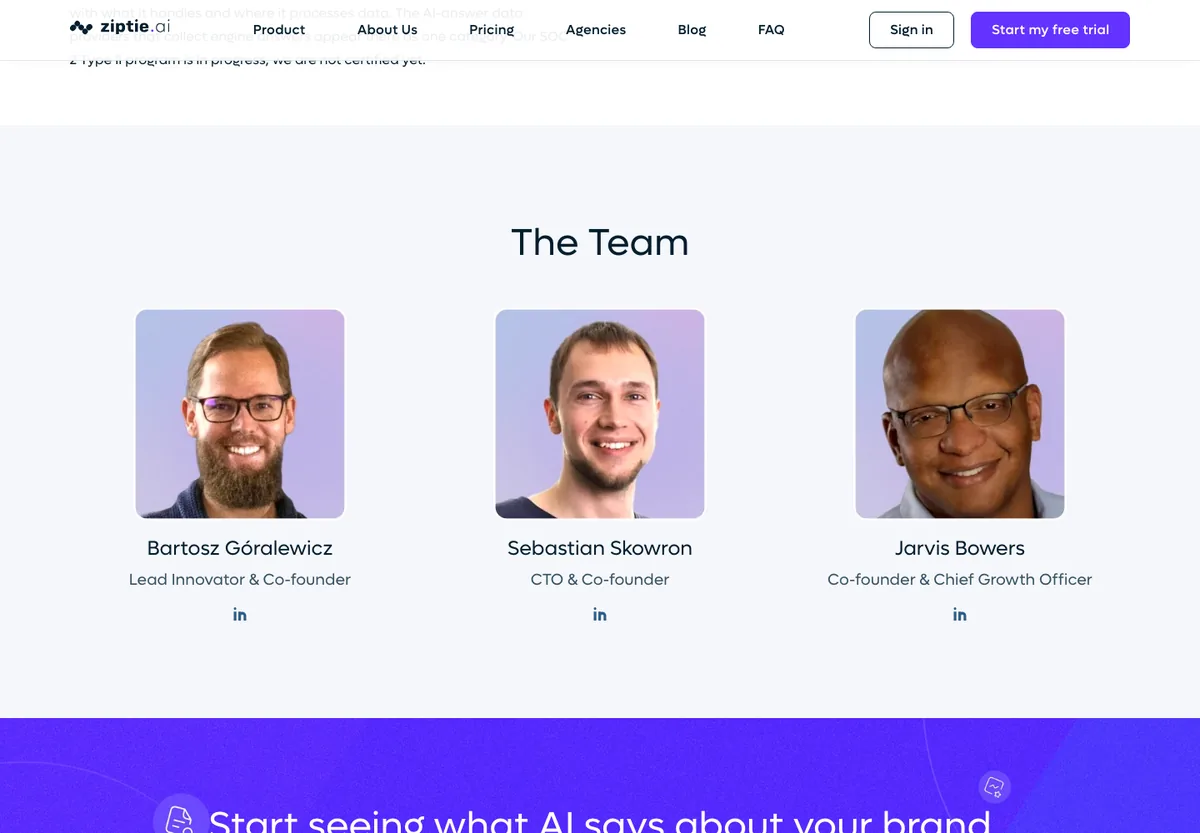
| Founders | Bartosz Góralewicz (Lead Innovator), Sebastian Skowron (CTO), Jarvis Bowers (Chief Growth Officer) |
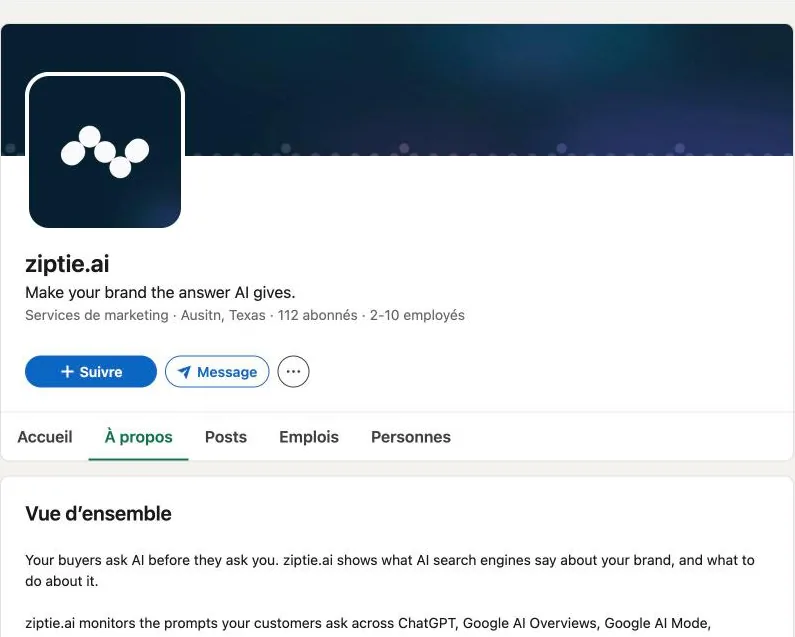
| Launch and HQ | Founded in 2024, Austin, Texas (ziptie.ai LinkedIn) |
| Funding | No public funding round found |
| Best for | Consultants and technical SEOs who want precise tracking and to pay only for what they track |
| Limit | English interface, dollar prices that vary with the number of engines |
| Score | 11/14: engines 2, price 2, free 2, data 2, action 2, France 0, maturity 1 |
Further reading: my ZipTie.dev vs Authoritas comparison.
4. Ahrefs Brand Radar: AI tracking on 496 million prompts, from €119 per month (10/14)
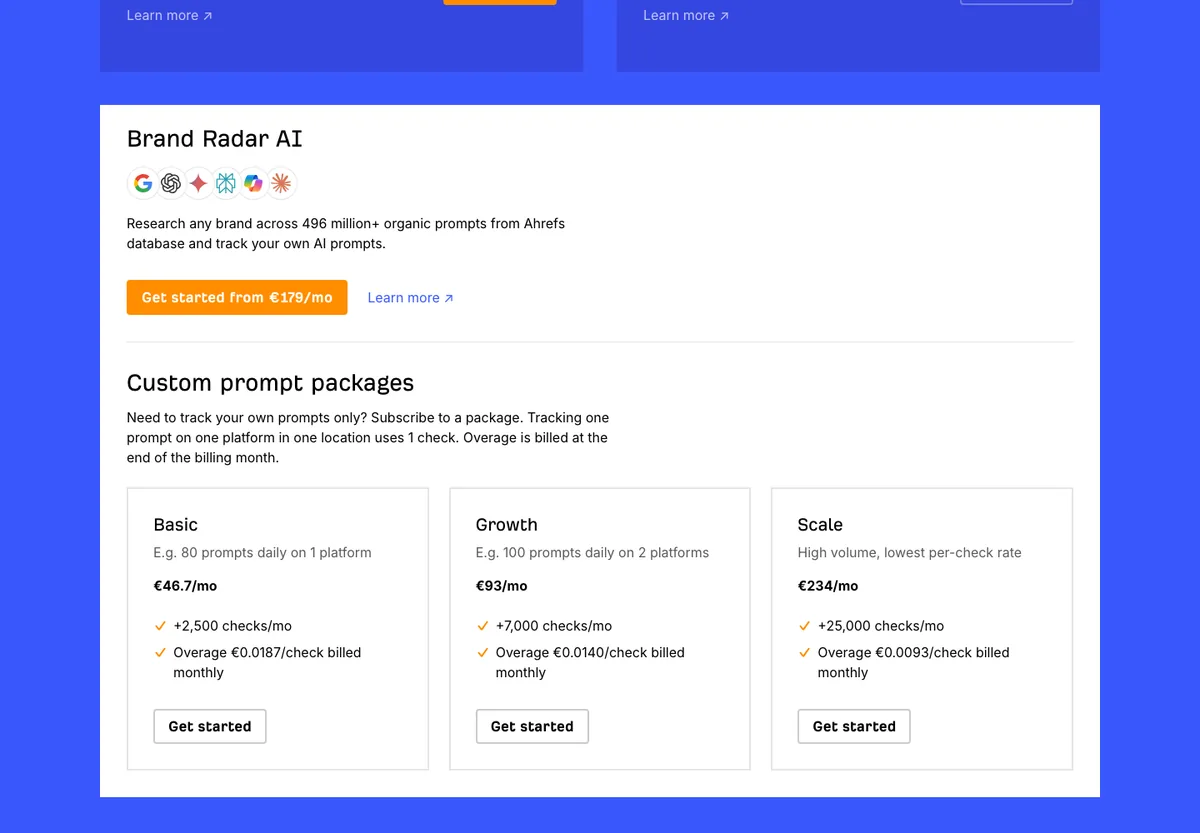
Ahrefs now tracks AI prompts in its standard plans: 150 tracked prompts on Lite, 300 on Standard, 600 on Advanced. Brand Radar AI, sold separately from €179/month, queries a database of over 496 million prompts to show where your brand appears, without you writing the prompts.
| Criterion | What I found (23/10/2026) |
|---|---|
| Price | Lite €119/month with 150 tracked AI prompts, Brand Radar AI from €179/month, prompt packages from €46.70/month |
| Engines | 6 platforms shown for Brand Radar AI: Google, ChatGPT, Gemini, Perplexity, Copilot, Claude |
| Try without paying | Free tools: AI Visibility Checker, AI Mode Tracker, AI Overviews Tracker |
| Data | API and MCP from Lite |
| Action | Site audit, no dedicated GEO writing |
| Founders | Dmytro Gerasimenko (Ahrefs media kit) |
| Launch and HQ | Founded in 2010, Singapore |
| Funding | No funding mentioned in the media kit |
| Best for | Teams that already pay for Ahrefs |
| Limit | The real cost rises fast if you add Brand Radar and prompt packages |
| Score | 10/14: engines 2, price 1, free 1, data 2, action 1, France 1, maturity 2 |
5. SE Ranking: SEO and AI tracking from €109 per month (10/14)
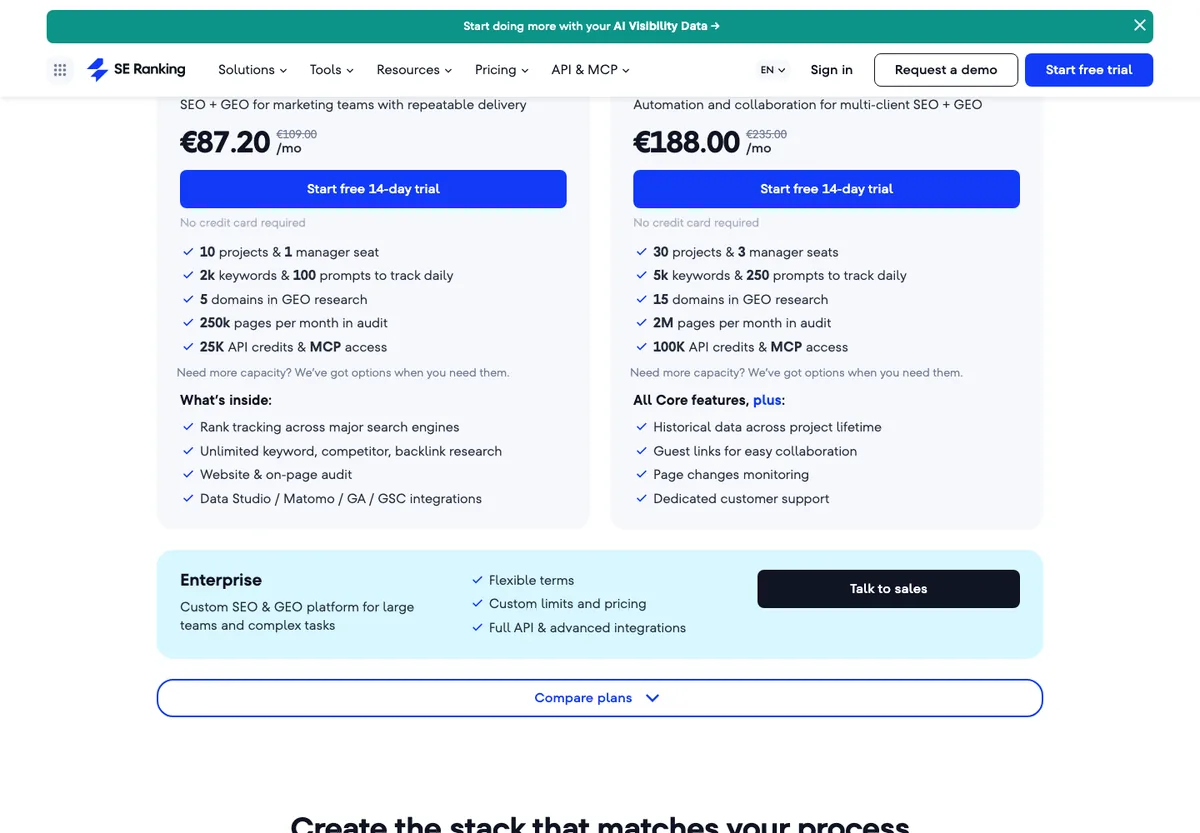
SE Ranking now includes AI prompt tracking in its Core plan: 100 prompts tracked per day, with API and MCP access. For a consultant or a small business that wants one tool for SEO and GEO, it is the best value for money in this ranking.
| Criterion | What I found (23/10/2026) |
|---|---|
| Price | Core €109/month (€87.20 billed yearly), Growth €235, AI Search add-on €79/month |
| Engines | AI Overviews, AI Mode, ChatGPT in the plan, Gemini in the AI Search toolkit |
| Try without paying | 14-day trial, no card |
| Data | 25,000 API credits and MCP access from Core |
| Action | Classic content and SEO audit tools |
| Founders | Not shown on the About page |
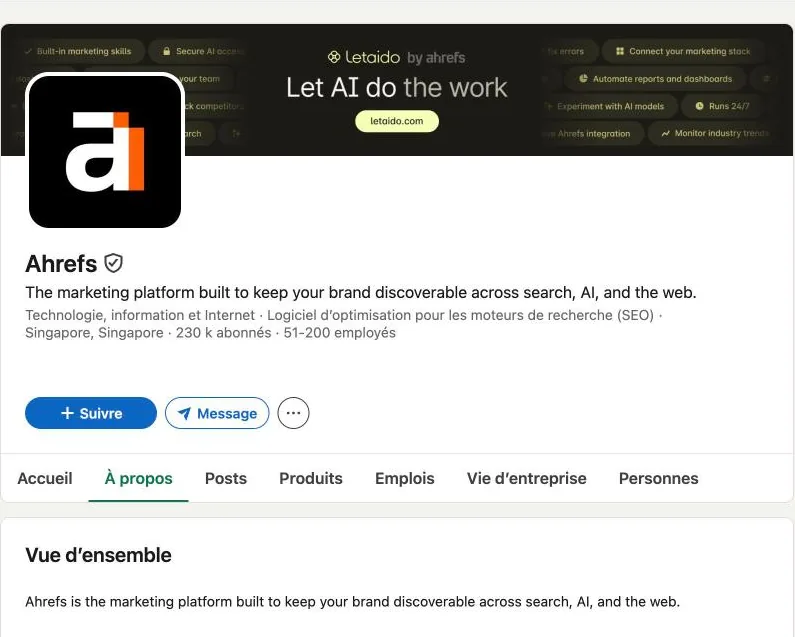
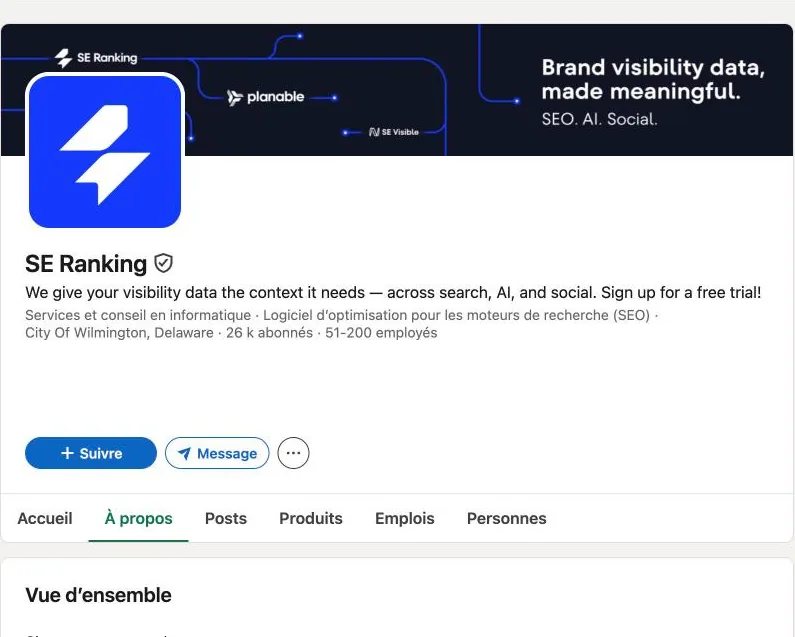
| Launch and HQ | « Since 2013 » on the website (2012 on LinkedIn), registered office in Wilmington, Delaware |
| Funding | No public funding round found |
| Best for | Tight budget, SEO and GEO in one tool |
| Limit | Fewer AI engines than native GEO tools |
| Score | 10/14: engines 1, price 1, free 2, data 2, action 1, France 1, maturity 2 |
6. Semrush AI Visibility: AI tracking and MCP access from €190 per month (10/14)
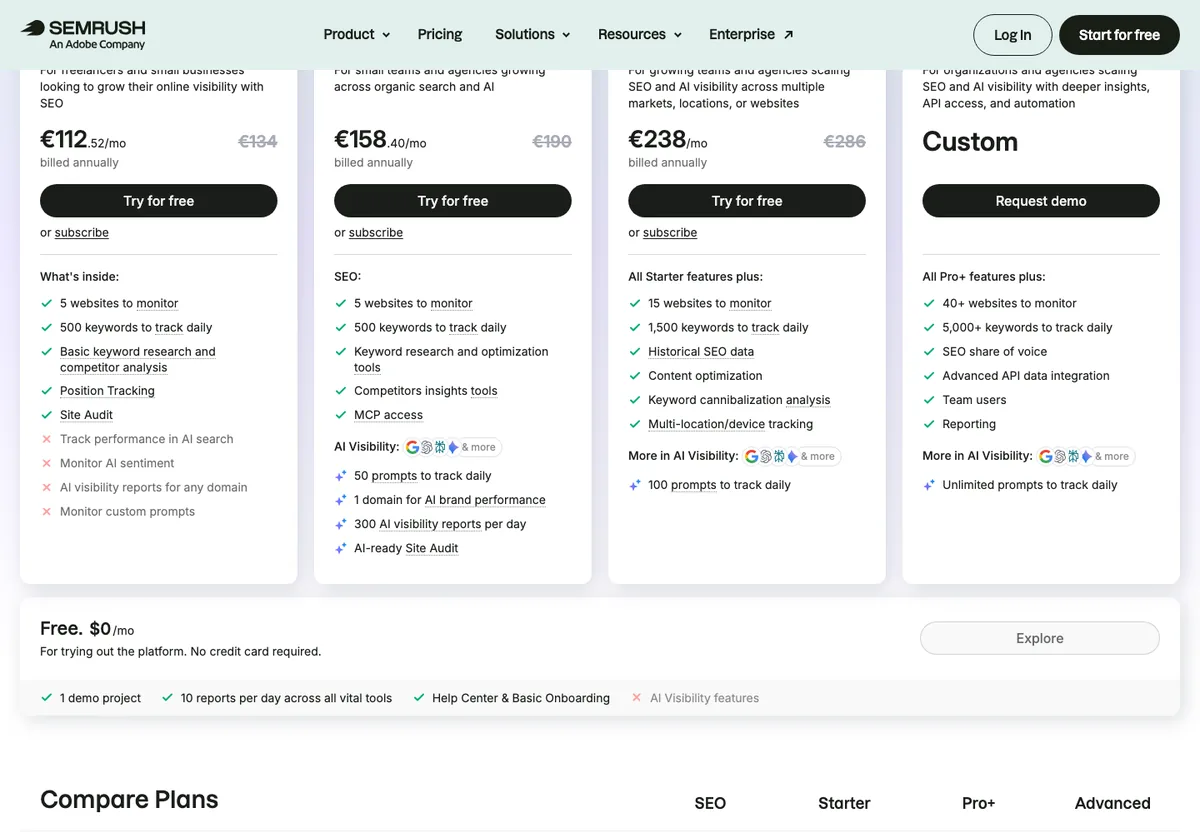
Semrush now sells an « SEO + AI Search » plan. Starter at €190/month includes 50 prompts tracked per day, 1 domain for AI brand performance and MCP access. Semrush is now « An Adobe Company »: Adobe announced the $1.9 billion acquisition in November 2025.
| Criterion | What I found (23/10/2026) |
|---|---|
| Price | SEO + AI Search: Starter €190/month (€158.40 billed yearly), Pro+ €286, Advanced on quote |
| Engines | ChatGPT and AI Mode named in the docs, other engines shown as icons |
| Try without paying | Free plan (10 reports per day), without the AI visibility features |
| Data | MCP access from Starter |
| Action | Content optimisation and « AI-ready » site audit |
| Founders | Oleg Shchegolev and Dmitri Melnikov |
| Launch and HQ | Founded in 2008, Boston |
| Funding | IPO in March 2021, Adobe acquisition announced in November 2025 |
| Best for | Teams already on Semrush that do not want another tool |
| Limit | On the pricing page I checked, AI tracking is sold inside the SEO + AI Search plan, not on its own |
| Score | 10/14: engines 1, price 1, free 1, data 2, action 2, France 1, maturity 2 |
Detailed comparison: Profound vs Semrush AI Visibility Toolkit.
7. Otterly.AI: the cheapest GEO tool, from €29 per month (9/14)
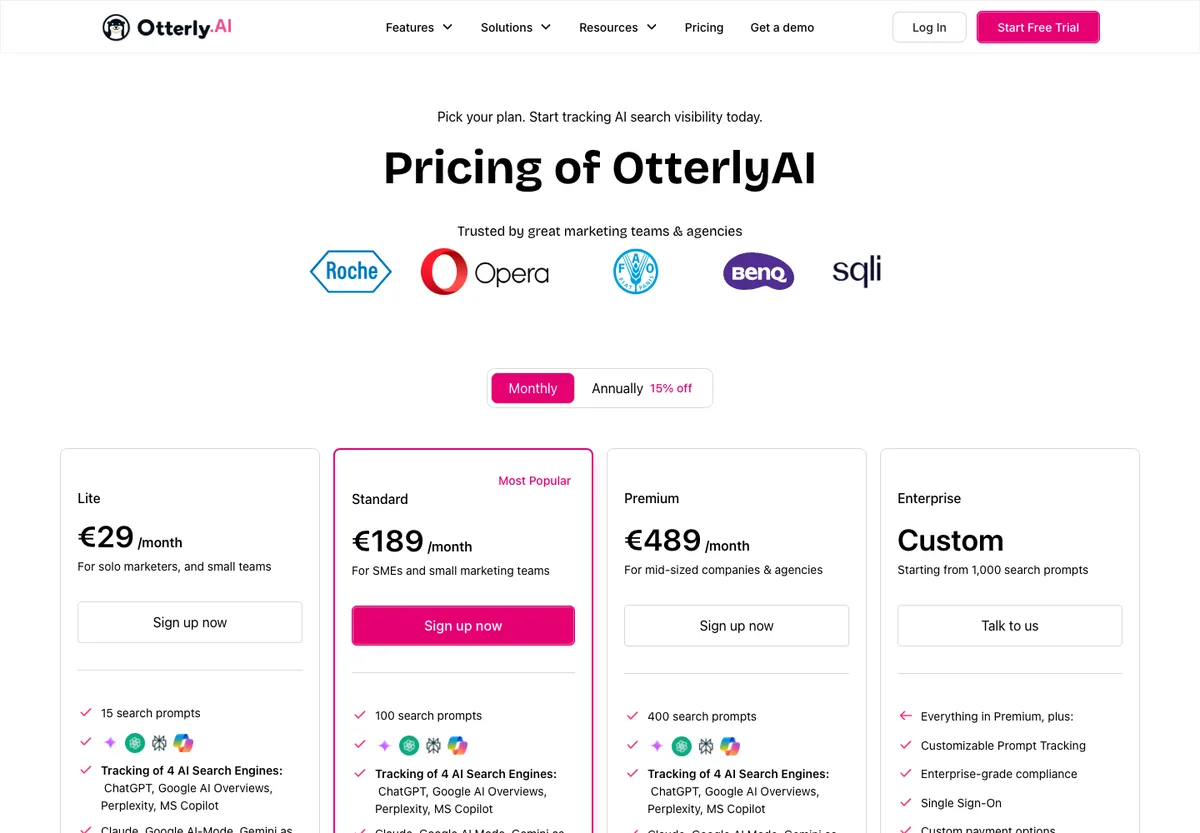
Otterly is still the cheapest way in: 15 prompts on 4 engines for €29/month. AI Mode and Gemini can be added for €9 per month. It also makes my favourite free query fan-out generator (see below).
| Criterion | What I found (23/10/2026) |
|---|---|
| Price | Lite €29/month, Standard €189, Premium €489, Enterprise on quote |
| Engines | ChatGPT, AI Overviews, Perplexity, Copilot; AI Mode and Gemini as an add-on, Claude as an add-on |
| Try without paying | Free trial, free Query Fan Out Tool |
| Data | API and MCP from Standard |
| Action | Content Check and GEO audit |
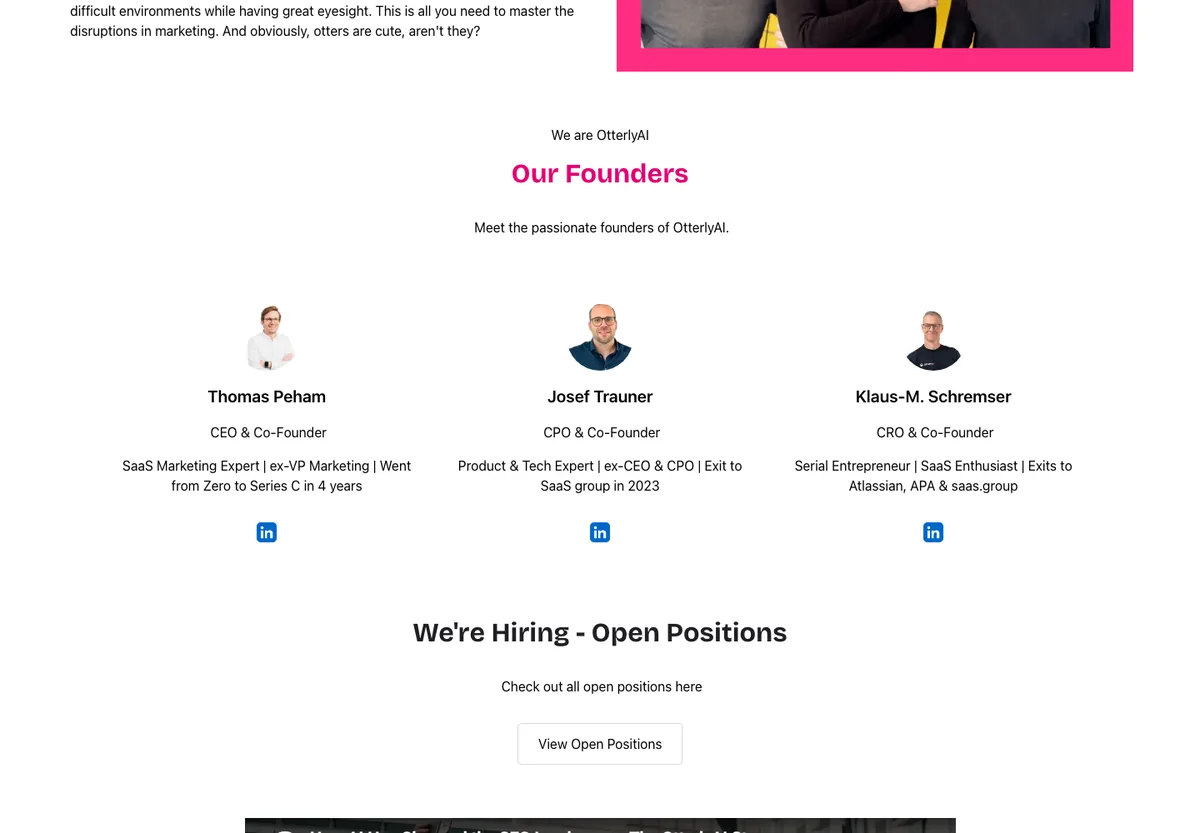
| Founders | Thomas Peham (CEO), Josef Trauner (CPO), Klaus-M. Schremser (CRO) |
| Launch and HQ | Launched in October 2024, Persenbeug, Austria (LinkedIn) |
| Funding | No public funding round found; Gartner Cool Vendor 2025 (team page) |
| Stated clients | « 40,000+ » marketers (vendor figure) |
| Best for | Freelancers or small businesses starting their first GEO tracking |
| Limit | 15 prompts is not much for real tracking |
| Score | 9/14: engines 2 (with the €9 add-on), price 2, free 1, data 1, action 1, France 0, maturity 2 |
8. AthenaHQ: free GEO tool on 5 engines, then $295 per month (9/14)
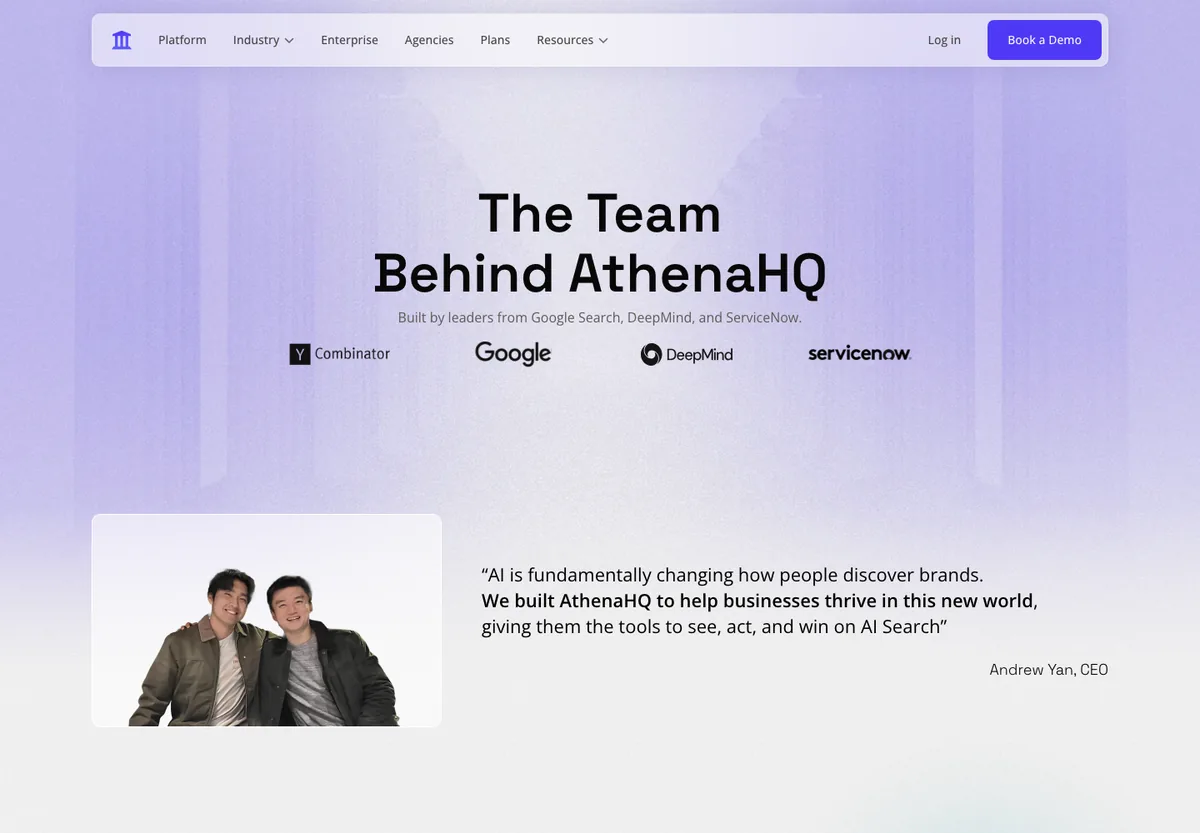
AthenaHQ has a real free plan ($25 credit on 5 engines). Starter moves to 11 models and adds a content optimisation agent. Its CEO, Andrew Yan, is a former Google Search product manager.
| Criterion | What I found (23/10/2026) |
|---|---|
| Price | Essential free, Starter $295/month, Enterprise on quote |
| Engines | 5 on the free plan (ChatGPT, Perplexity, AI Overviews, Gemini, Copilot), 11 on Starter |
| Try without paying | Free Essential plan |
| Data | CSV export; API as a paid add-on on Starter, price on request |
| Action | Content optimization agent from Starter |
| Founders | Andrew Yan (CEO, ex-Google Search and DeepMind), Alan Yao (CTO, ex-ServiceNow) |
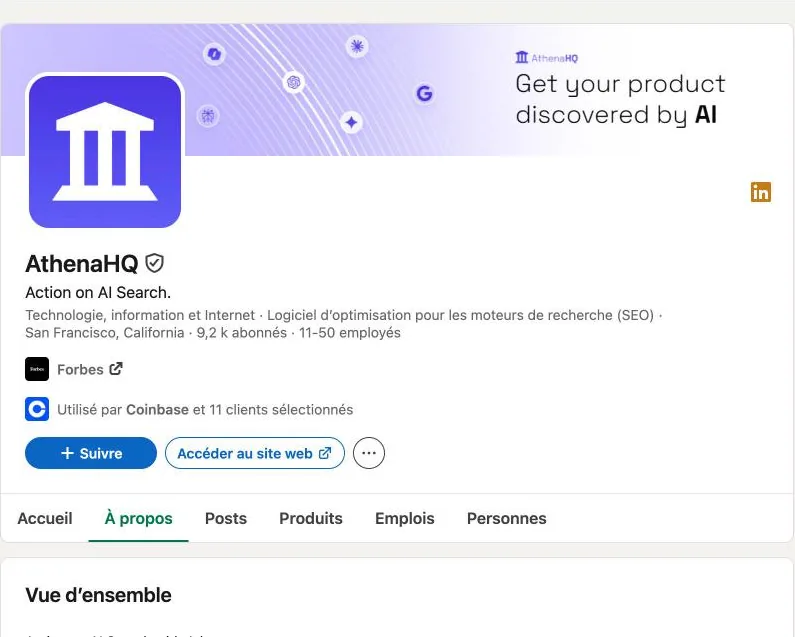
| Launch and HQ | Founded in 2024, San Francisco (LinkedIn) |
| Funding | Amount not found; Y Combinator logo shown on the team page |
| Best for | Startups and growth teams that want to test for free before upgrading |
| Limit | Big price jump between the free plan and Starter |
| Score | 9/14: engines 2, price 1, free 2, data 1, action 2, France 0, maturity 1 |
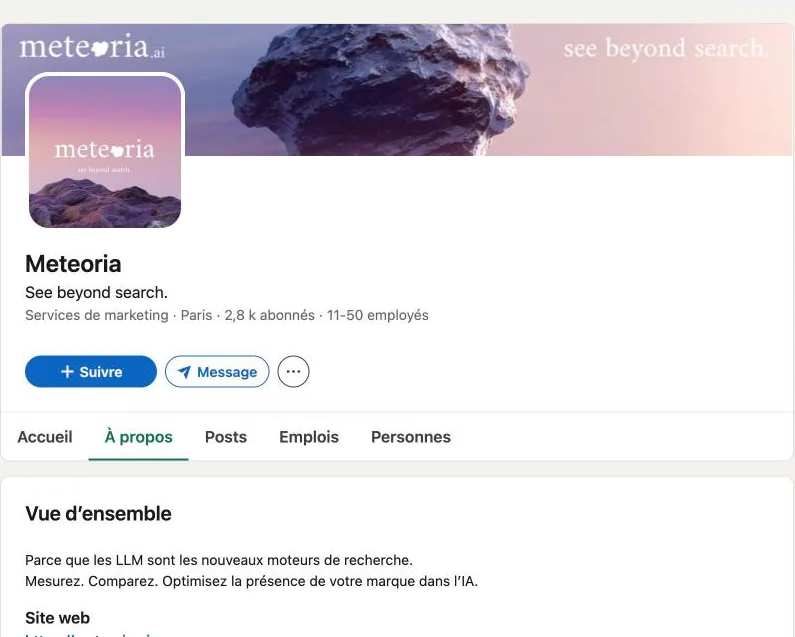
9. Meteoria: French GEO tool, unlimited seats and countries from €75 (9/14)
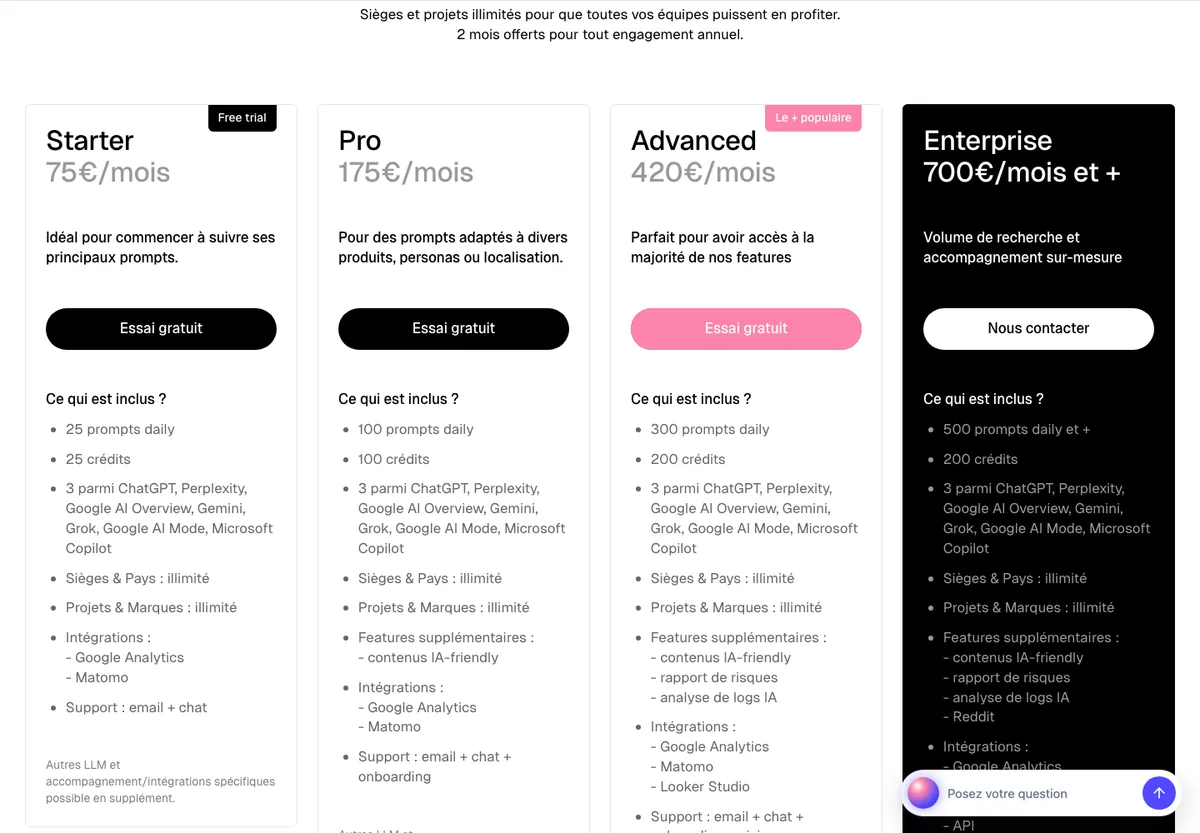
Meteoria was founded in Paris and its interface is in French. Starter tracks 25 prompts per day on 3 engines out of 7, with unlimited seats, projects and countries, and Google Analytics and Matomo integration. « AI-friendly » content comes with the Pro plan.
| Criterion | What I found (23/10/2026) |
|---|---|
| Price | Starter €75/month, Pro €175, Advanced €420, Enterprise from €700 |
| Engines | 3 out of ChatGPT, Perplexity, AI Overviews, Gemini, Grok, AI Mode, Copilot |
| Try without paying | Free trial |
| Data | CSV and JSON exports, Looker Studio; API on Enterprise |
| Action | AI-friendly content from Pro |
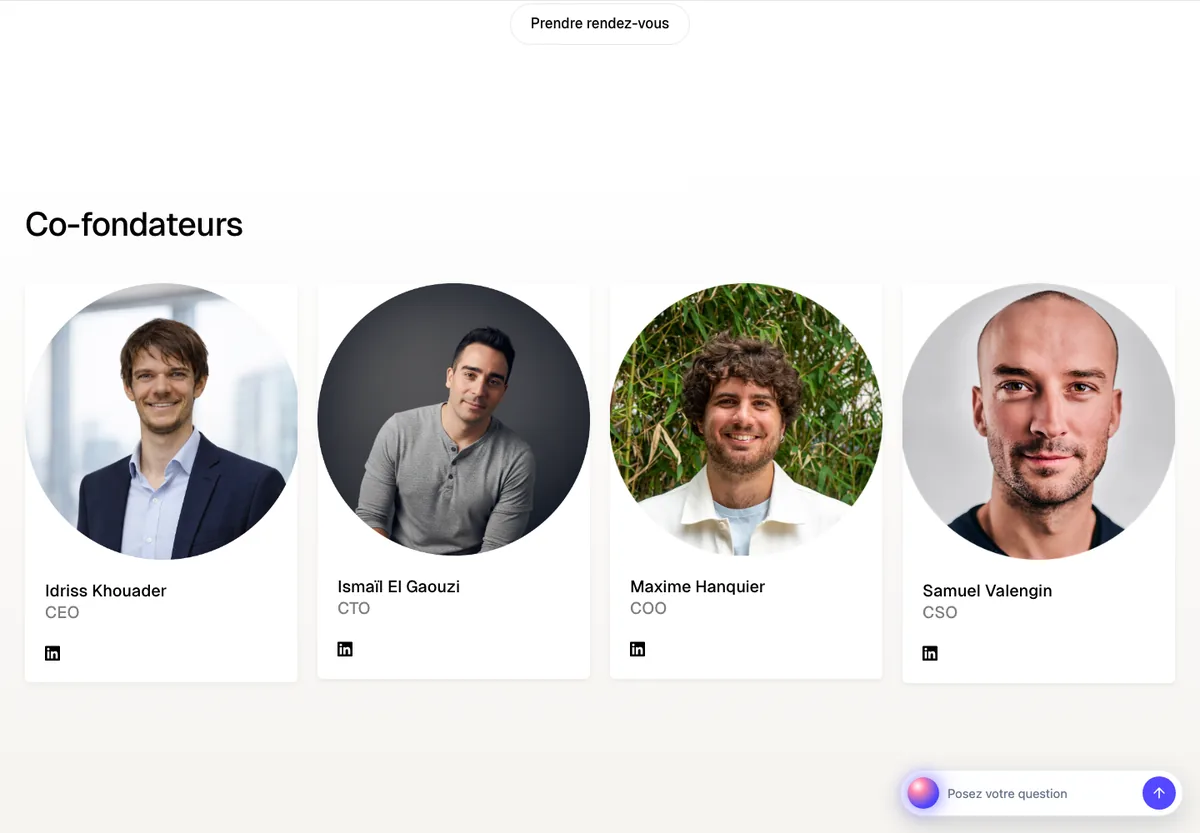
| Founders | Idriss Khouader (CEO), Ismaïl El Gaouzi (CTO), Maxime Hanquier (COO), Samuel Valengin (CSO) |
| Launch and HQ | Founded in 2025, Paris (LinkedIn) |
| Funding | No public funding round found |
| Stated clients | « Over 1,000 companies » (vendor figure) |
| Best for | French brands active in several countries |
| Limit | Only 3 engines on self-serve plans |
| Score | 9/14: engines 1, price 2, free 1, data 0, action 2, France 2, maturity 1 |
10. Hikoo: French GEO tool that makes the fixes for you (8/14)
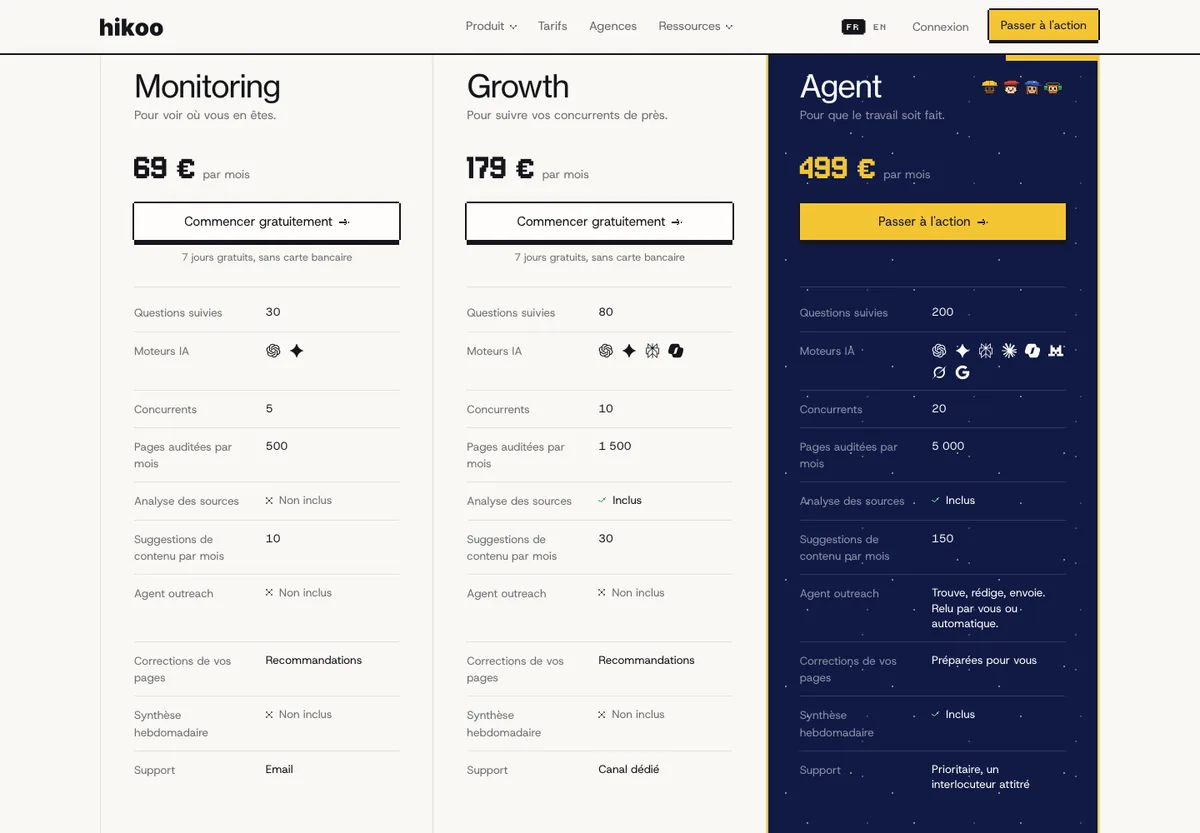
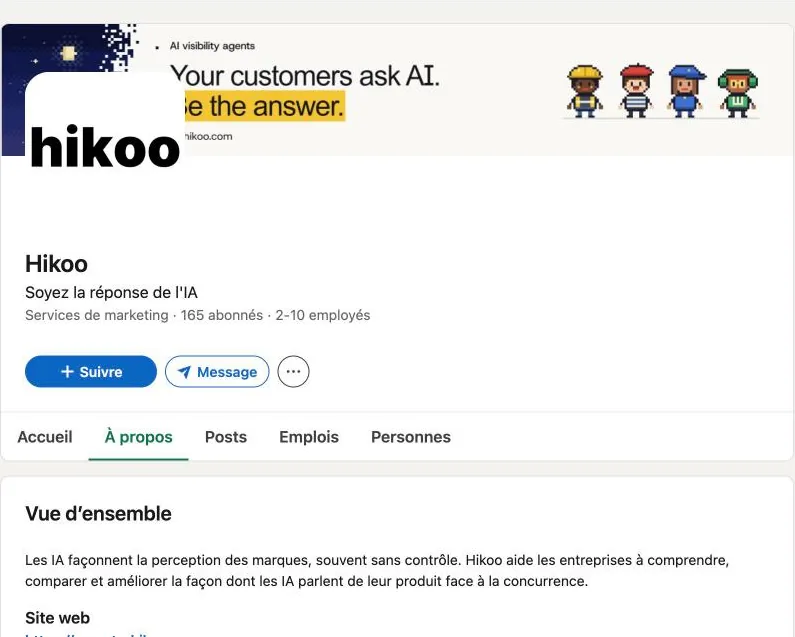
Hikoo is the youngest tool in this ranking. Its angle is action: the Monitoring and Growth plans tell you what to fix, and the Agent plan prepares page fixes, suggests up to 150 pieces of content per month and contacts the cited sources. It also connects to Peec, Otterly and Promptwatch.
| Criterion | What I found (23/10/2026) |
|---|---|
| Price | Free €0, Monitoring €69/month, Growth €179, Agent €499 |
| Engines | ChatGPT on Free, ChatGPT and Gemini on Monitoring, 4 on Growth, 9 on Agent |
| Try without paying | Free plan (10 questions on ChatGPT) and 7 days with no card on Monitoring and Growth |
| Data | No API shown on the pricing page |
| Action | Content suggestions from Monitoring, fixes and outreach on Agent |
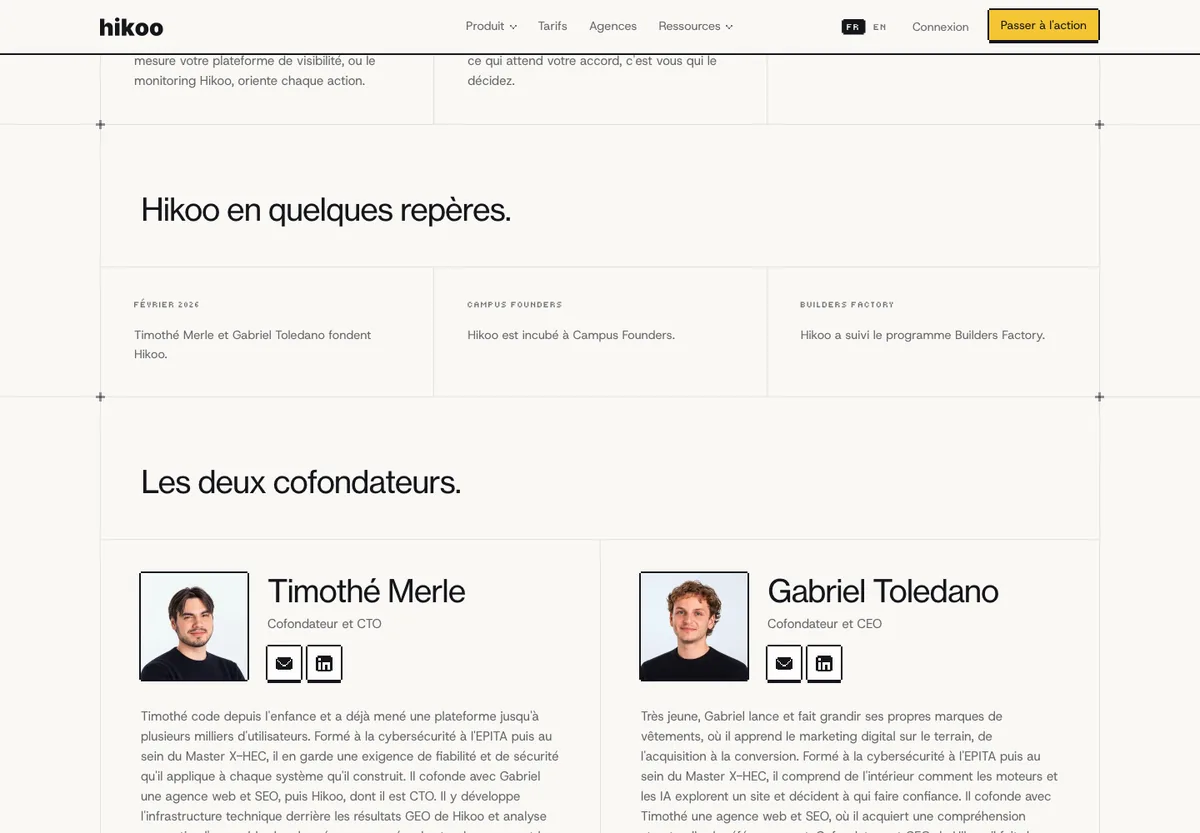
| Founders | Gabriel Toledano (CEO) and Timothé Merle (CTO), incubated at Campus Founders |
| Launch and HQ | Founded in February 2026 according to the website (2025 on LinkedIn), France |
| Funding | No public funding round found |
| Stated clients | « Over 200 brands » (vendor figure) |
| Best for | Small French teams short on time to execute |
| Limit | Only 2 engines at the first price, very new tool |
| Score | 8/14: engines 0, price 2, free 2, data 0, action 2, France 2, maturity 0 |
Peec AI, GetMint, Profound, Scrunch, HubSpot AEO: GEO tools outside the top 10 and why
These tools are serious, and some are market leaders. They fall outside the top 10 because of two rules in my grid that I stand by: a tool sold on quote gets 0 on the price, free trial and data criteria, and a tool that keeps its engines or API for Enterprise loses points on the engines and data criteria. If you are a large company with a budget and a dedicated sales contact, these rules matter less to you: Profound or GetMint can then be the best choice. The points lost are detailed under each profile.
Peec AI: GEO tool for agencies, unlimited seats from €85 per month (7/14)
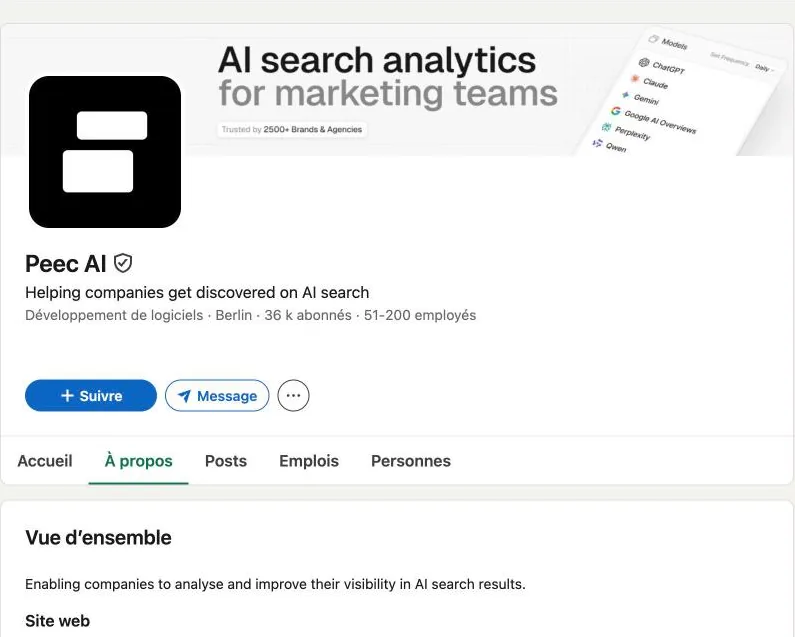
Peec starts at €85/month (50 prompts, 3 models), then €205 and €425, with unlimited users on every plan. The API and up to 13 models are kept for Enterprise. Founded in Berlin by Marius Meiners (CEO), Tobias Siwonia (CTO) and Daniel Drabo (CRO), who met at Antler, launched in February 2025. $21M Series A in November 2025, about $29M raised in total (everything-pr, 29 April 2026). The website says « 3500+ brands and agencies », the LinkedIn banner says « 2500+ ».
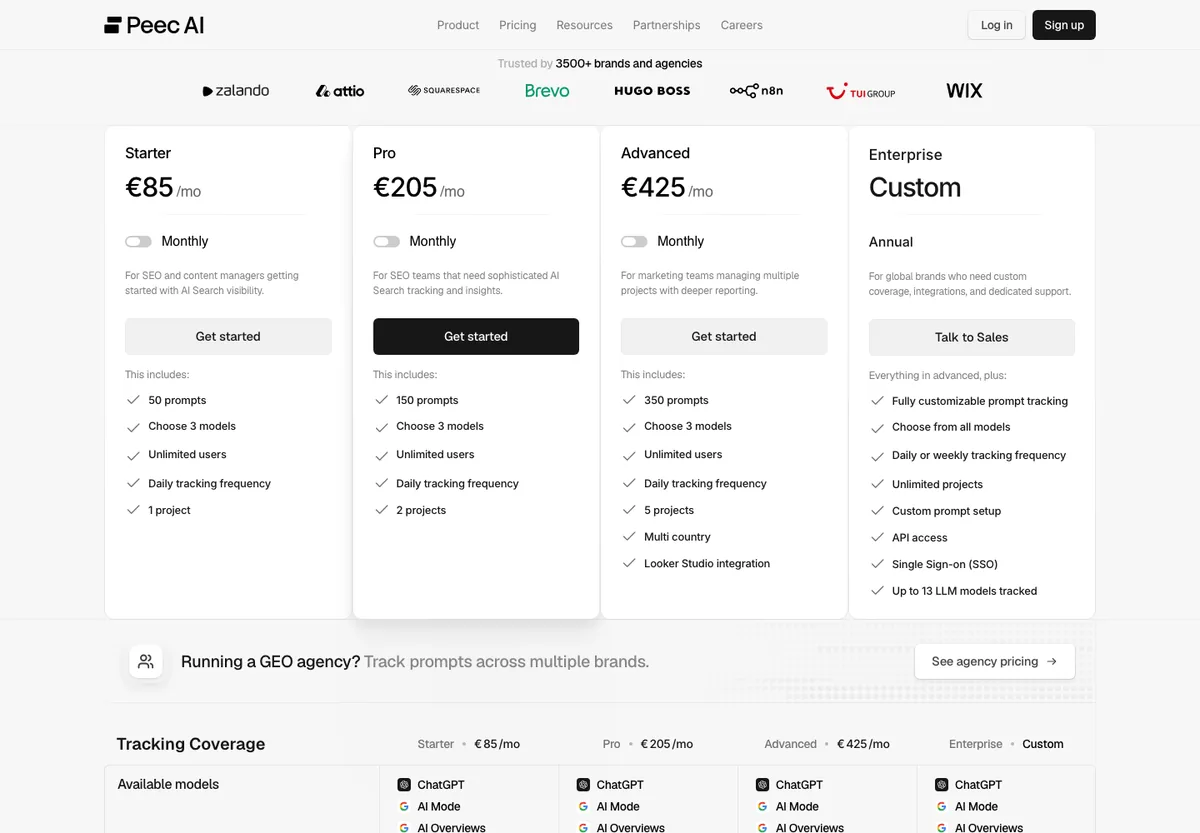
Why outside the top 10 (7/14): engines 1/2 (3 models on Starter, 13 on Enterprise), free 1/2 (trial, card terms not stated), data 0/2 (API on Enterprise, Looker Studio from €425), action 1/2 (recommended actions, no writing), France 0/2 (team in Berlin). Full points on price (€85) and maturity.
Scrunch: mid-market GEO tool acquired by Sitecore, from $250 per month (7/14)
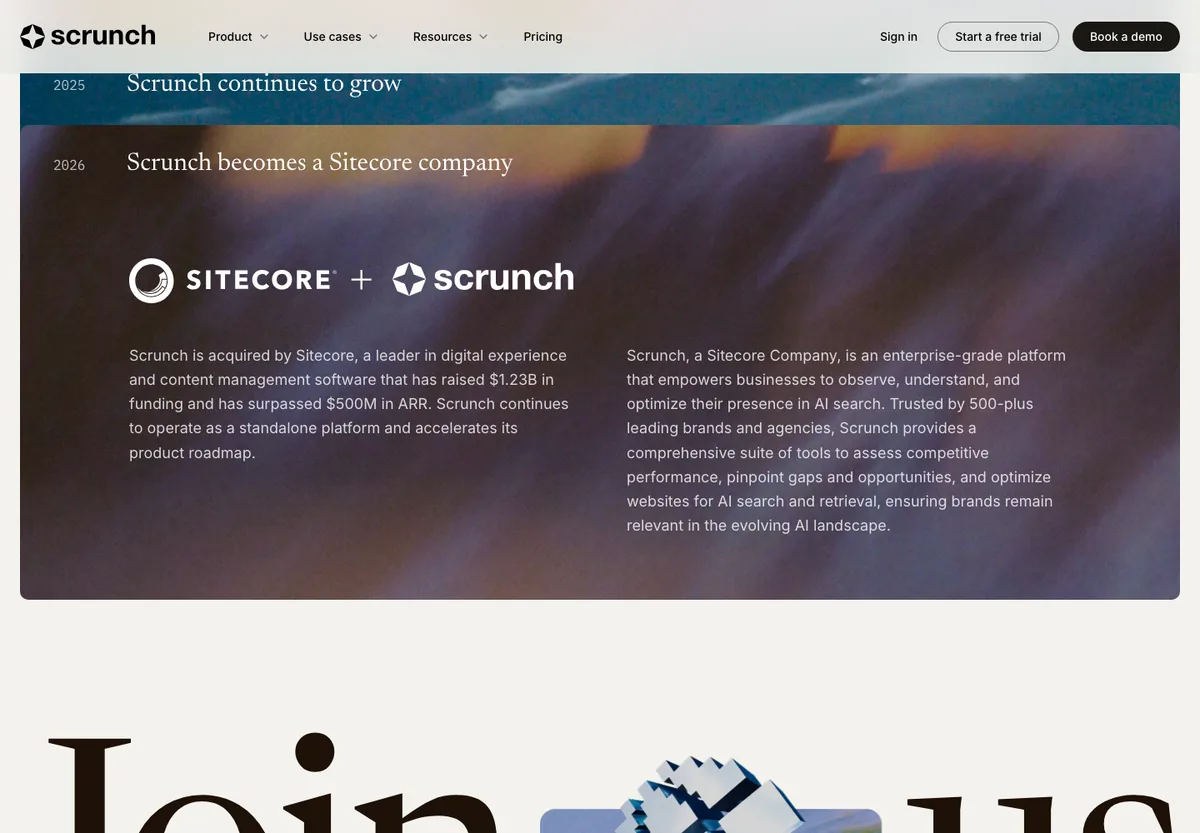
Scrunch Core costs $250/month (125 prompts, 4 engines: ChatGPT, Perplexity, AI Overviews, Copilot), with a 7-day trial. Enterprise moves to 9 engines and adds AXP (Agent Experience Platform) and the API. Founded in 2023 by Chris Andrew (CEO) and Robert MacCloy (CTO), both ex-Hearsay Systems, $26M raised in total. According to its story page, Scrunch was acquired by Sitecore in 2026 and remains a standalone platform.
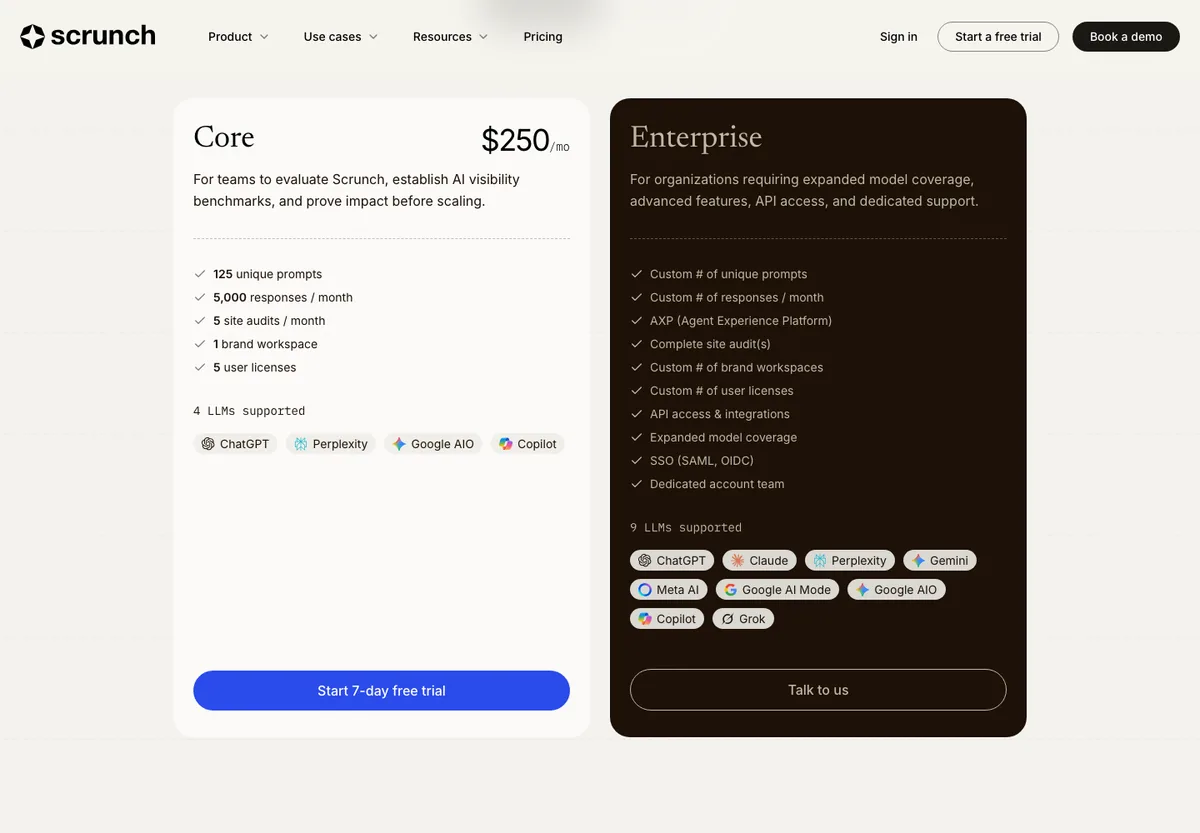
Score 7/14: engines 1, price 1, free 2, data 0, action 1, France 0, maturity 2.
GetMint: French GEO tool for large brands, on quote (6/14)
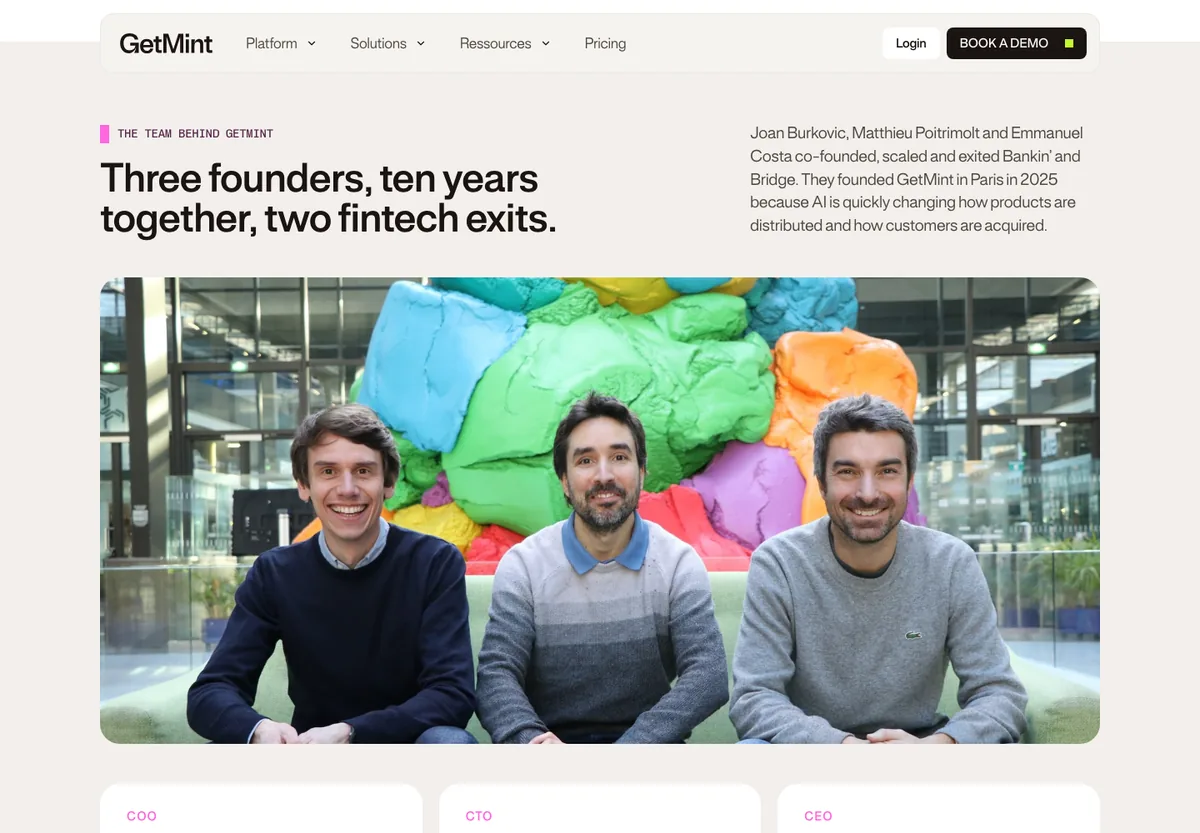
GetMint sells two offers on quote, Advanced and Enterprise & Agency, with Content Studio and Mention Building. Founded in Paris in 2025 by Joan Burkovic, Matthieu Poitrimolt and Emmanuel Costa, former founders of Bankin’ and Bridge. €4M raised in December 2025, about 20 people in Paris (team page).
Why outside the top 10 (6/14): everything is on quote. With no public price, no trial and no listed API, GetMint gets 0 on the engines, price, free and data criteria. Full points on action (Content Studio, Mention Building), France (team in Paris) and maturity (€4M raised). For a large French brand ready to talk to sales, it is a serious option. See also alternatives to GetMint.
HubSpot AEO: AI visibility tracking inside HubSpot, €49 per month in beta (6/14)
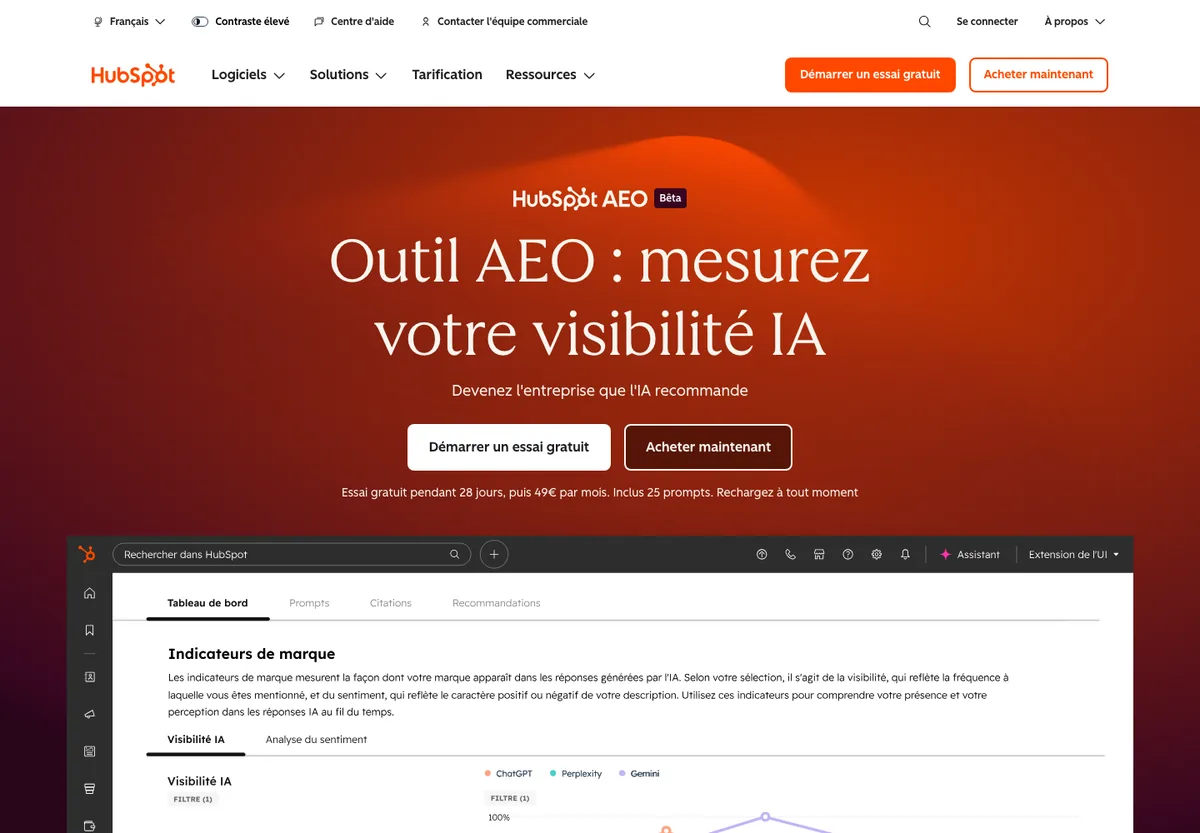
HubSpot AEO costs €49/month after a 28-day trial, for 25 prompts on ChatGPT, Gemini and Perplexity, with content recommendations inside HubSpot. The tool is in beta. Handy if your marketing already runs on HubSpot.
Score 6/14: engines 1, price 2, free 1, data 0, action 1, France 1, maturity 0.
Profound: GEO tool for large companies, on quote (5/14)
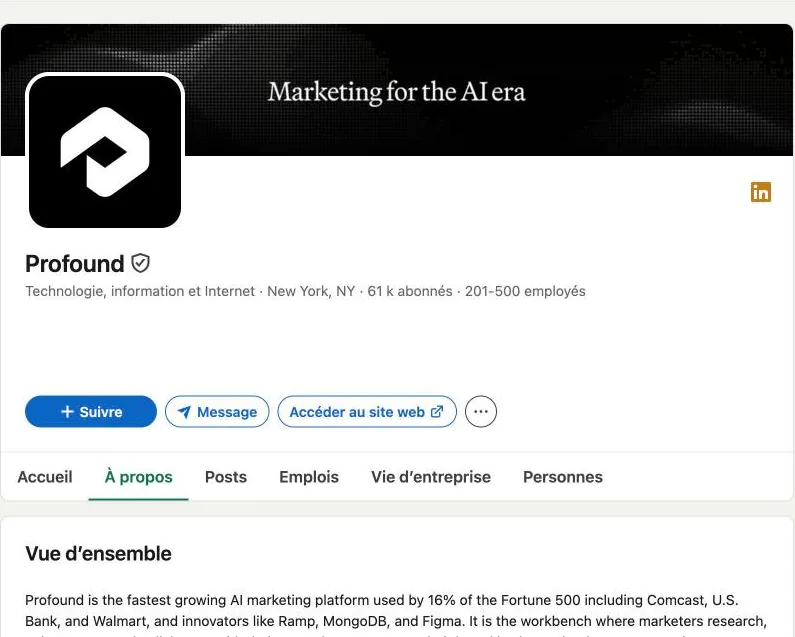
Profound no longer has a $99 plan. The pricing page offers a free trial (50 prompts per day for 7 days on ChatGPT, Gemini and AI Overviews), then the Enterprise plan on quote, up to 9 engines, with SSO and SOC 2. Co-founded by James Cadwallader (CEO), based in New York. $96M Series C at a $1 billion valuation (Fortune, 24 February 2026), then a $180M Series D at $1.8 billion (CMSWire, 15 September 2026).
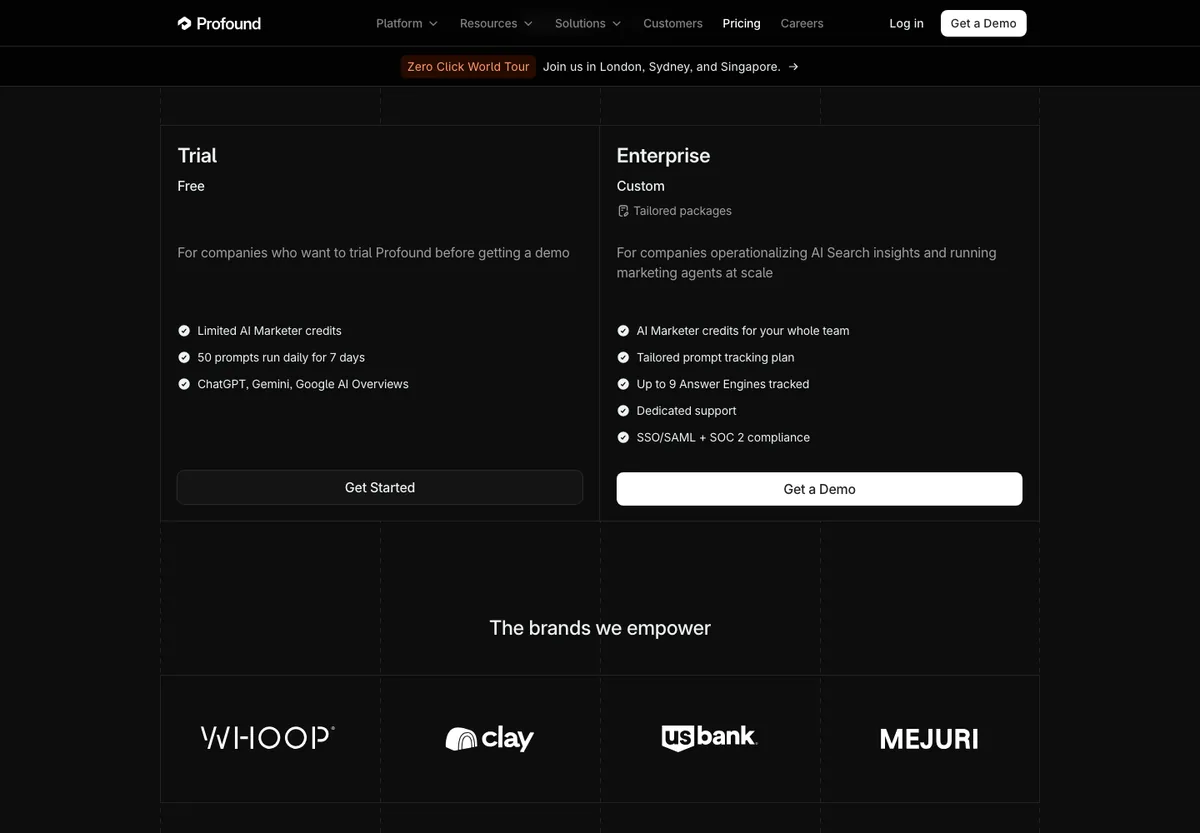
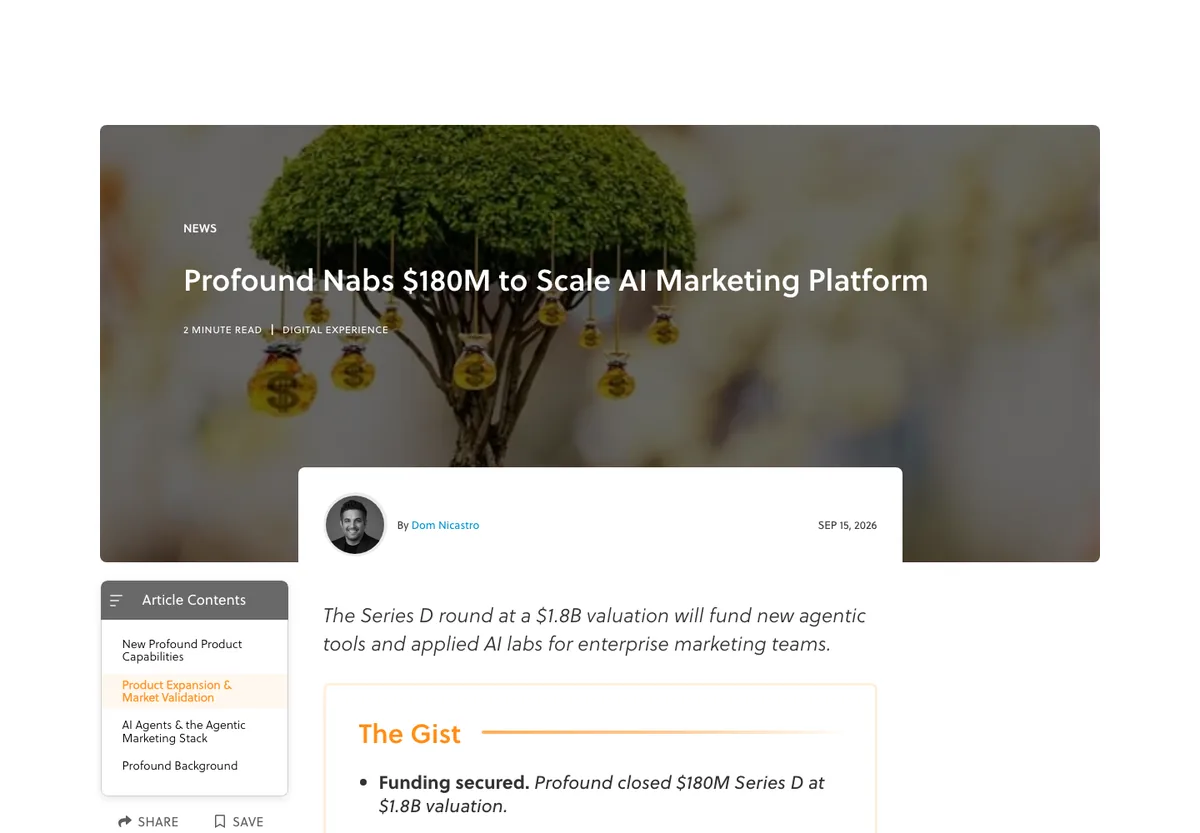
Why outside the top 10 (5/14): apart from the 7-day trial, everything goes through the Enterprise plan on quote. Profound therefore gets 0 on engines, price and data, and 1 on free. It has no team in France (0). Full points on action (AI Marketer agents) and maturity ($180M Series D). It is the reference for a large company, not for testing alone this week. Comparison: Profound vs Otterly vs Ahrefs Brand Radar.
Authoritas: share of voice GEO tool, no public price (not scored)
Authoritas tracks ChatGPT, Perplexity, Claude and Gemini, and analyses the follow-up questions suggested by the AI. Its AI Search pricing page shows no amount. Founded by Laurence O’Toole, in digital marketing since 1996 (About page). Not scored: without a public price, half the grid does not apply.
Which GEO tool to choose for your profile: freelancer, SMB, agency or large company
| Your profile | My pick | Why |
|---|---|---|
| Freelancer, first test | Otterly.AI or ZipTie.ai | Under €30/month to start |
| SMB or French brand | Qwairy or Meteoria | French interface, public prices under €80 |
| Multi-client agency | Peec AI or ZipTie.ai | Unlimited seats at Peec, no cost per client at ZipTie |
| Team that wants content | Promptwatch or Hikoo | Built-in writing and fixes |
| Already on Semrush or Ahrefs | Their AI module | No extra tool, SEO data in the same place |
| Large company, security needs | Profound | 9 engines, SSO, SOC 2 |
| Zero budget | Search Console, Bing, Hikoo Free, AthenaHQ Essential | Free, real data |
For step-by-step help, read my guide to choosing a GEO tool. And if you are looking for someone to run your AI visibility rather than a tool, see my top 10 GEO agencies in France, scored with the same 14-point logic.
Query fan-out tools I tested: Otterly, Wellows, SEO Pub and the manual ChatGPT method
Gemini, AI Mode and ChatGPT split a question into several sub-queries before answering: this is query fan-out. Knowing them helps you cover the right questions in your content. The mechanism is explained in my article on query fan-out.
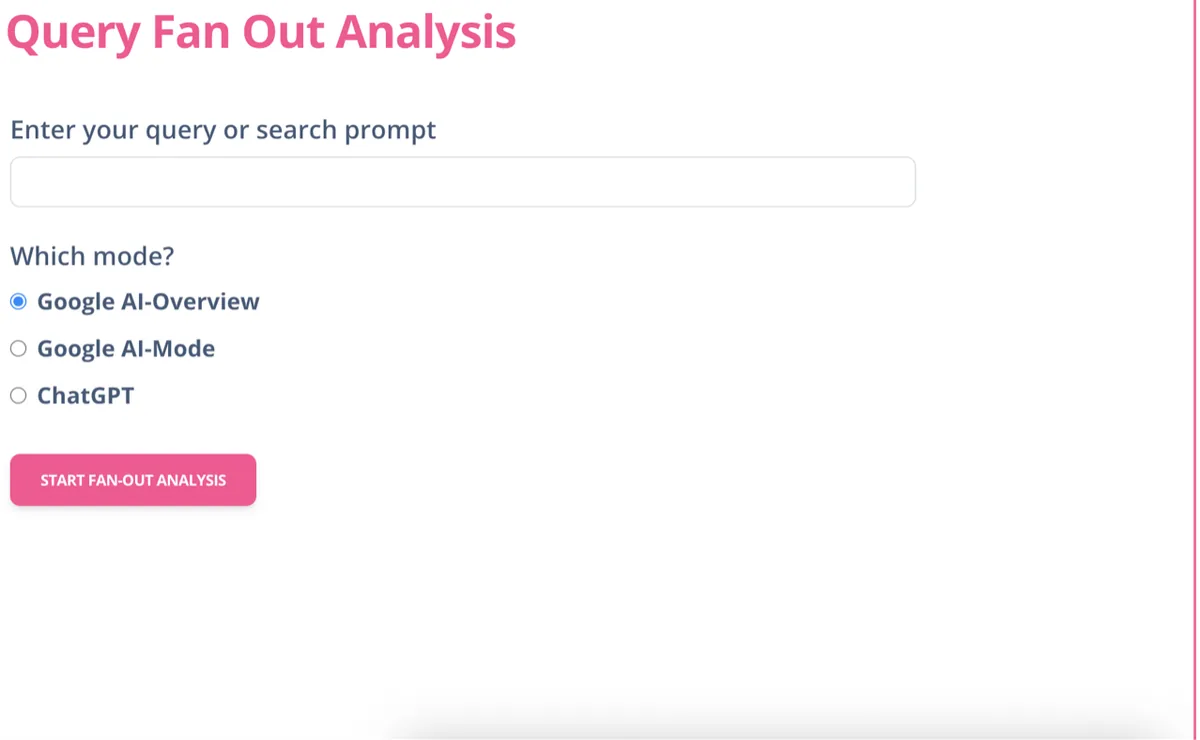
Otterly.AI Query Fan Out Tool: AI Mode, AI Overviews and ChatGPT sub-queries, free
This is my favourite tool for generating sub-queries: free, simple, and you choose the mode (AI Overviews, AI Mode or ChatGPT). I am not sure the difference between these modes is real under the hood, but the tool is handy to explore a topic.
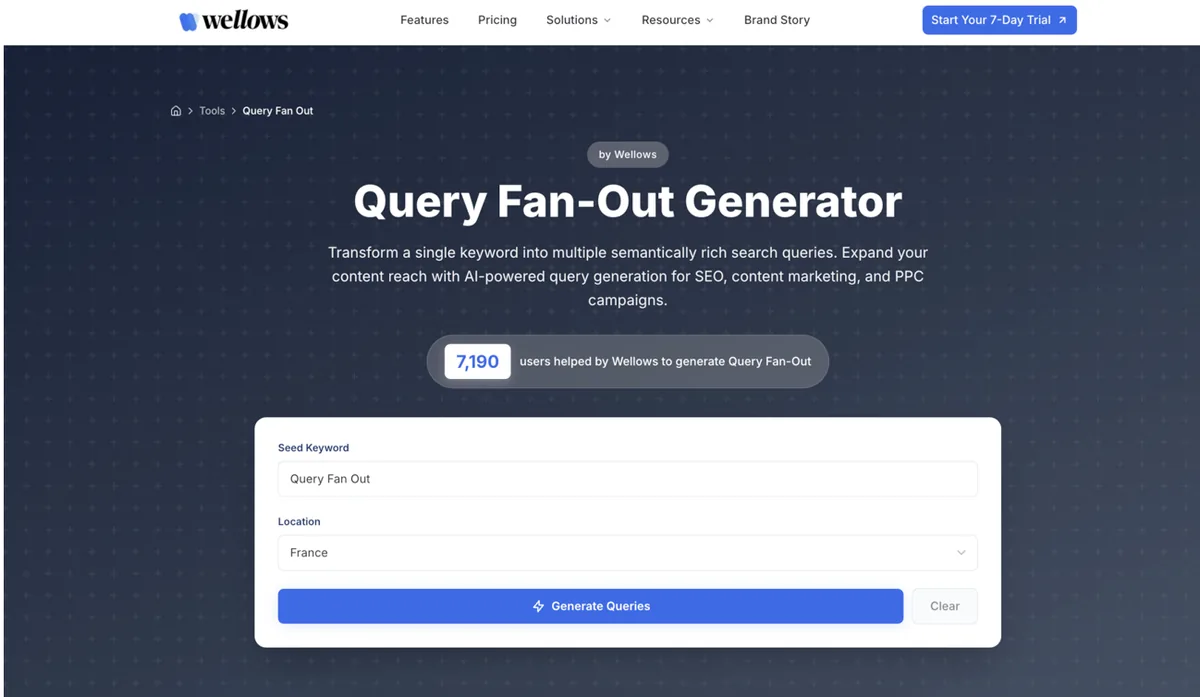
Wellows Query Fan-Out Generator: ranked, exportable sub-queries, free
I tested it: it ranks sub-queries by priority and lets you download them for a content plan. It asks for an email.
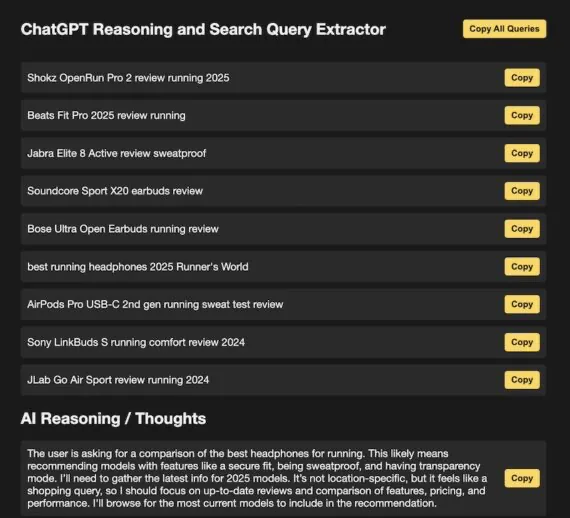
SEO Pub ChatGPT Search Query and Reasoning Extractor: ChatGPT sub-queries, unreliable
A bookmarklet you create in your browser and run after a ChatGPT query. In my tests it rarely works: either ChatGPT shows nothing, or the technique no longer works. Not reliable.
Edward Sturm’s manual method to see ChatGPT sub-queries
Edward Sturm, an SEO consultant, showed in a video how to find sub-queries in a ChatGPT conversation. I tested it: it works, but you often get only one or two sub-queries.
Entity and AI crawl analysis tools: Dejan, Google NLP, InLinks, TextRazor
AI engines reason in entities and relations, not just keywords. Before tracking your visibility, check two things: that AI bots can access your site, and that your pages clearly talk about the right entity.
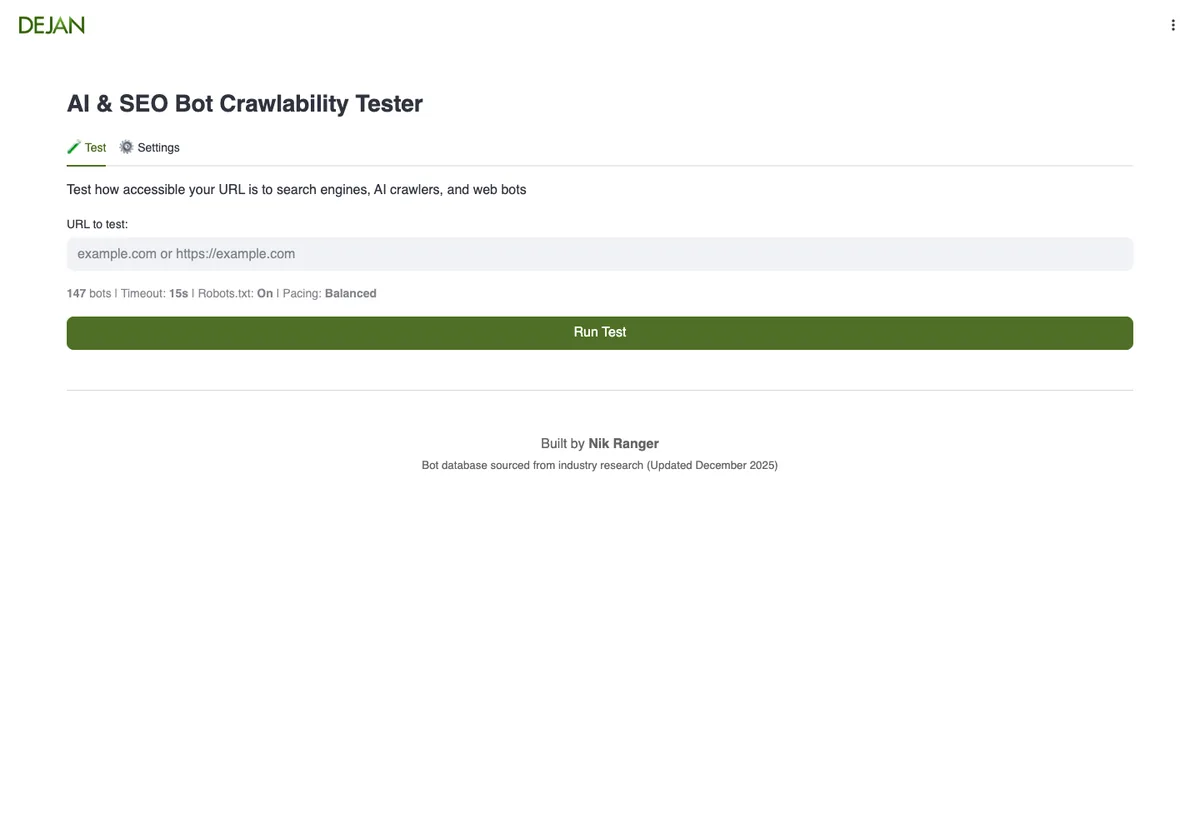
Dejan AI & SEO Bot Crawlability Tester: access for 147 AI and SEO bots, free
A small tool from the Dejan team, built by Nik Ranger, that I like: it tests whether a URL is accessible to 147 bots, classic search engines and AI crawlers. The bot database dates from December 2025 according to the page.
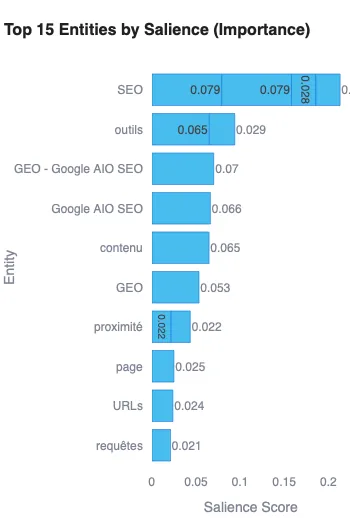
Google Cloud Natural Language API: entities and salience of a page
This is the basic tool to see what Google understands in a text: named entity extraction and salience score. If my target entity has a low salience, I rework the content. The Google Cloud interface was painful and only handles one URL at a time. So, with Gemini’s help, I got a script that I run in VS Code to analyse several URLs at once.
InLinks: link your content to Wikipedia and Wikidata entities
InLinks links your content to Wikipedia and Wikidata entities, builds semantic internal linking and generates about and mentions schema. On a small budget, its free entity analysis tool is enough to start. The vendor claims its NLP beats Google’s: to be verified.
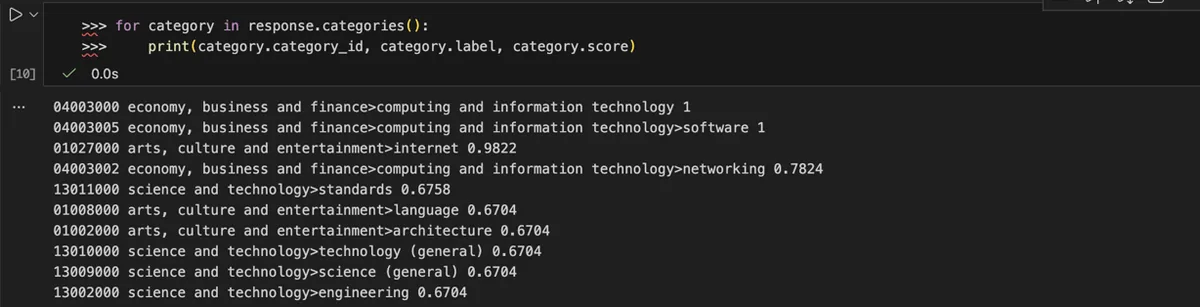
TextRazor: relations between entities and text categories
An alternative to Google’s API to extract relations between entities and classify a text in a fine-grained taxonomy. My results in French were less clear, maybe because of the language or my settings.
Field notes: what I saw with ZipTie, Semrush and query fan-out tools
What I did myself, with the limits. I keep my observations separate from vendor information.
- ZipTie.dev: the most precise tool I have used for AI Overviews, thanks to the split between automatic and click-generated overviews, and the list of cited URLs.
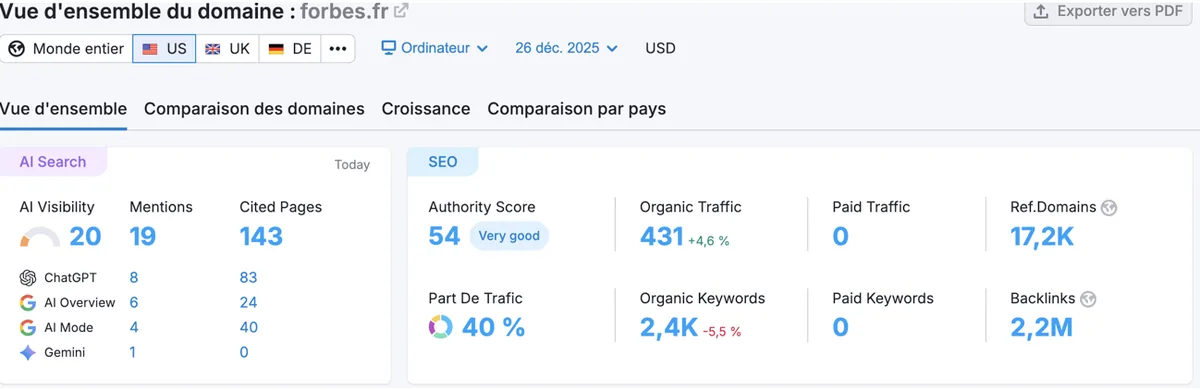
- Semrush: the AI Search view of a domain shows mentions and cited pages per engine on one screen. In the example below (forbes.fr), ChatGPT leads on mentions and AI Mode on cited pages.
- Query fan-out: ChatGPT extractors are unreliable (SEO Pub) or return few results (manual method). The Otterly and Wellows generators are more useful to prepare content.
- Limit: I have not compared every tool on the same prompts. The data gaps between tools are still to be measured.
FAQ about GEO tools
What is the best GEO tool in 2026?
On my 14-point grid, Qwairy ranks first (13/14): 12 AI engines from €79 per month, a French interface, an MCP server and 120 free credits. Promptwatch and ZipTie.ai follow with 11/14.
Is there a free GEO tool?
Yes. The generative AI report in Google Search Console and the AI Performance report in Bing Webmaster Tools are free. Hikoo (10 questions on ChatGPT) and AthenaHQ (5 engines, $25 credit) also have a free plan.
How much does a GEO tool cost?
Expect €29 per month (Otterly.AI) up to about €300 per month for a complete self-serve plan, based on prices checked on 23 October 2026. Profound, GetMint and Authoritas sell on quote.
Which GEO tool for a large company?
Profound is built for enterprise: 9 engines, SSO and SOC 2 on its Enterprise plan, on quote. Its client base and funding (a $180M Series D in September 2026) make it the reference in that segment.
Is there a French GEO tool?
Yes: Qwairy, Meteoria, Hikoo and GetMint were founded in Paris and have a French interface. Qwairy, Meteoria and Hikoo show public prices under €80 per month.
Sources and method for this GEO tools comparison
All pages were checked and captured on 23 October 2026 (browser without an account, cookie banner declined), unless stated otherwise. No outbound links: sources are cited in plain text.
- Official pricing pages: Qwairy, Promptwatch, ziptie.ai, Ahrefs, SE Ranking, Semrush, Otterly.AI, AthenaHQ, Meteoria, Hikoo, Peec AI, Scrunch, GetMint, HubSpot AEO, Profound, Authoritas.
- Team and story pages: Qwairy, Promptwatch, ziptie.ai, Otterly.AI, AthenaHQ, Meteoria, Hikoo, Scrunch, GetMint, Authoritas, SE Ranking.
- LinkedIn company pages (HQ, founding year, headcount, followers), checked while logged in on 23/10/2026, personal details masked.
- Google Search Central Blog, generative AI performance reports in Search Console, 3 June 2026, rollout note of 31 August 2026.
- Bing Webmaster Blog, « Introducing AI Performance in Bing Webmaster Tools Public Preview », 10 February 2026; « Introducing Topics Portfolio (Beta) in AI Performance », 13 October 2026.
- Fortune, Profound Series C, 24 February 2026. CMSWire, « Profound Nabs $180M to Scale AI Marketing Platform », 15 September 2026.
- everything-pr, Peec AI funding, 29 April 2026. Wikipedia, Semrush page (founders, IPO, Adobe acquisition), checked on 23/10/2026. Ahrefs media kit (founder, year, HQ).
- Google.fr, query « outil geo », 23 October 2026, real browser.
- Scoring grid: 7 criteria from 0 to 2, detailed above. Client numbers: vendor claims, not verified.
Final word: my personal take on GEO tools
None of the vendors listed pays me, and the same grid applies to all of them. GEO tools change every month: prices disappear (Profound’s $99 plan), tools get acquired (Scrunch by Sitecore), others are born (Hikoo in 2026). I will update this comparison with every major change.
One last word: I admire the work of Olivier de Segonzac and Resoneo, especially their SEO and GEO tests. He is one of the few in France who really tests and publishes what he finds. That is the approach I try to follow here.
All our GEO tool comparisons
- Which GEO tool to choose: the decision guide
- Profound vs Semrush AI Visibility Toolkit
- Profound vs Otterly vs Ahrefs Brand Radar
- Alternatives to GetMint: Meteoria, Qwairy and others
- ZipTie.dev vs Authoritas
- How to track your position in Google AI Mode
- My SEO and GEO tools